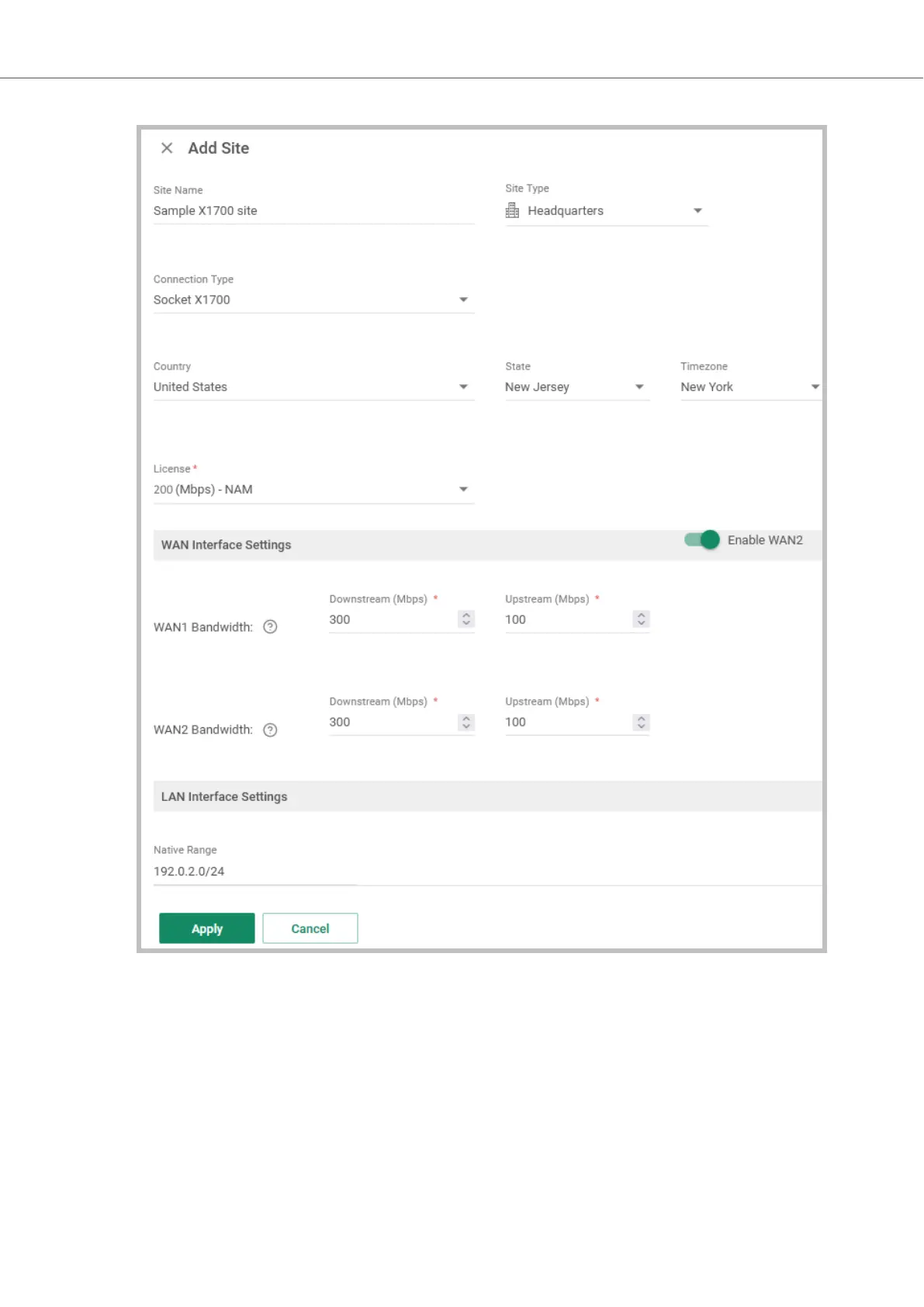
4. Configure the General settings for the site:
a. Enter the Site Name.
b. Select the Site Type. This option determines which icon is used for the site in the Topology
window.
c. In Connection Type, select Socket X1700.
d. Configure the Country, and State, for the physical location of the site.
e. (Optional) Customize the Time Zone. This setting isused to set the time frame for the Socket
update Maintenance Window.
5. In the WAN Interface Settings section, configure the settings for the Sockets:
Socket X1700 Deployment Guide Creating a Site
Page 6 of 18



 To Next Page