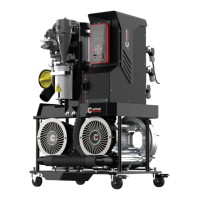
GENERAL OBSERVATION
Ensure the area around the suction system is clean and clear of debris that may affect ventilation. Check
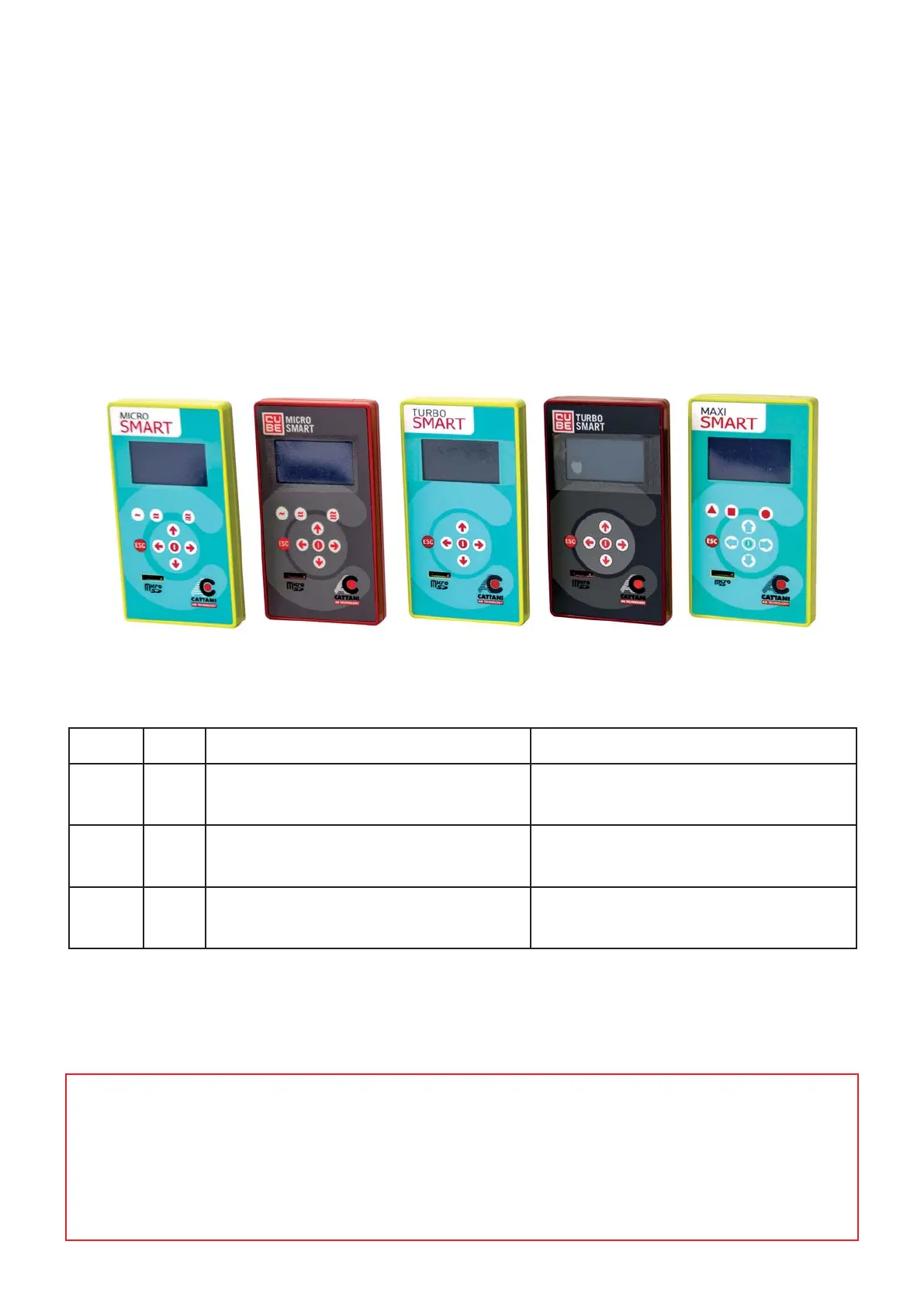
the display on the keypad for any error messages or warnings and report as necessary. Check for any signs
of fluid leaks or damaged hoses and if suspect, report toyour equipment service technician.
DAILY MAINTENANCE
TO BE CARRIED OUT BY INSTRUCTED SURGERY STAFF
CHECK FOR ANY ALARMS ON THE DISPLAY
SEE ALARMS DESCRIPTION BELOW
Before carrying out any daily maintenance check the display on the keypad for your unit for any
possible alarms.
These alarms will indicate any issues such as the Amalgam level and any temperature faults.
Alarm Information:
CODE ID DESCRIPTION SOLUTION
I14 2 Amalgam level > 95% Replace the amalgam container
as soon as possible
I15 3 Amalgam level > 100% Replace the amalgam container
I04 36 Over temperature (temperature has
exceeded max. allowed limit)
Ventilate the plant room
(check the control panel cooling fan)


 To Next Page