4 Setup Guide
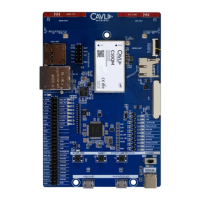
Given below are the various steps involved in the connection of C10QM/C20QM with a PC:
1. Place the EVK on an insulated platform.
2. Connect the GNSS Antenna (if needed) to the corresponding UFL Connectors.
3. Connect the needed power supply input (We have used Type-C) and the POWER ON LED turns green
indicating the power supply.
4. Connect micro-USB cable to USB-UART to access the AT port via UART.
5. Toggle the Power switch then 3.8V and 3.3V LEDs turns green.
6. Turn ON the POWER_ON_MODULE switch.
7. Using the micro-USB cable connected to the USB-UART interface, after powering on, COM ports will be
automatically be initialized onto your Windows PC (ttyUSB in Linux).
8. If USB interface is connected, NMEA port for NMEA streaming and diagnostics port will appear
under Ports.


 To Previous Page