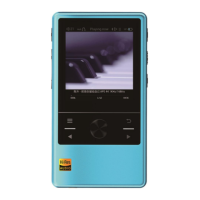
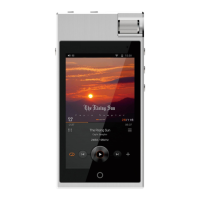
Gain Setting
After you enter “Music Setting” Menu, select “Gain Setting” to change the setting.
The available options are : HdB/LdB
HdB represents High Gain, LdB represent Low Gain
Factory default setting is LdB
DSD Gain Compensation
After you enter “Music Setting” Menu, select “DSD Gain Compensation” to change the setting.
The available options are : 0dB/+1dB/+2dB/+3dB/+4dB/+5dB/+6dB
Factory default setting is +6dB
Equalizer
After you enter “Music Setting” Menu, select “Equalizer” to change the setting.
The available options are : OFF/Rock/Classic/Jazz/Pop/Dance/Vocal/Blue/Heavy Metal/Custom
Factory default setting is OFF
Play Mode
After you enter “Music Setting” Menu, select “Play Mode” to change the setting.
This setting will instruct the player to loop back at a certain pattern while playing
Play Once: Play all files in the “Playing Now” list and stop at the last file.
Shuffle: Randomly play any files in the “Playing Now” list
Repeat Current: Play the current file repeatedly
Repeat All: Play all files in the “Playing Now” list and loop back to the first file after playing
the last file.
Factory default setting is Play Once
Breakpoint Resume
After you enter “Music Setting” Menu, select “Breakpoint Resume” to change the setting.
The available options are : ON/OFF
Factory default setting is OFF
Once activated, N6 will remember the file that was playing when you turn off the player, and
resume to the beginning of the file when you turn on the player again.
Gapless
After you enter “Music Setting” Menu, select “Gapless” to change the setting.
The available options are : ON/OFF
Factory default setting is OFF
Once activated, the player will facilitate gapless playback according to the sequence in “Playing
Now” list
Max volume
After you enter “Music Setting” Menu, select “Max volume” to change the setting.
The available range are : 0~100
Factory default setting is 100
You can adjust the volume setting by turning the control dial.
Startup volume
After you enter “Music Setting” Menu, select “Startup volume” to change the setting.
The available option are : Medmory/Custom
Factory default setting is Memory
13


 To Next Page