Playing Now Menu
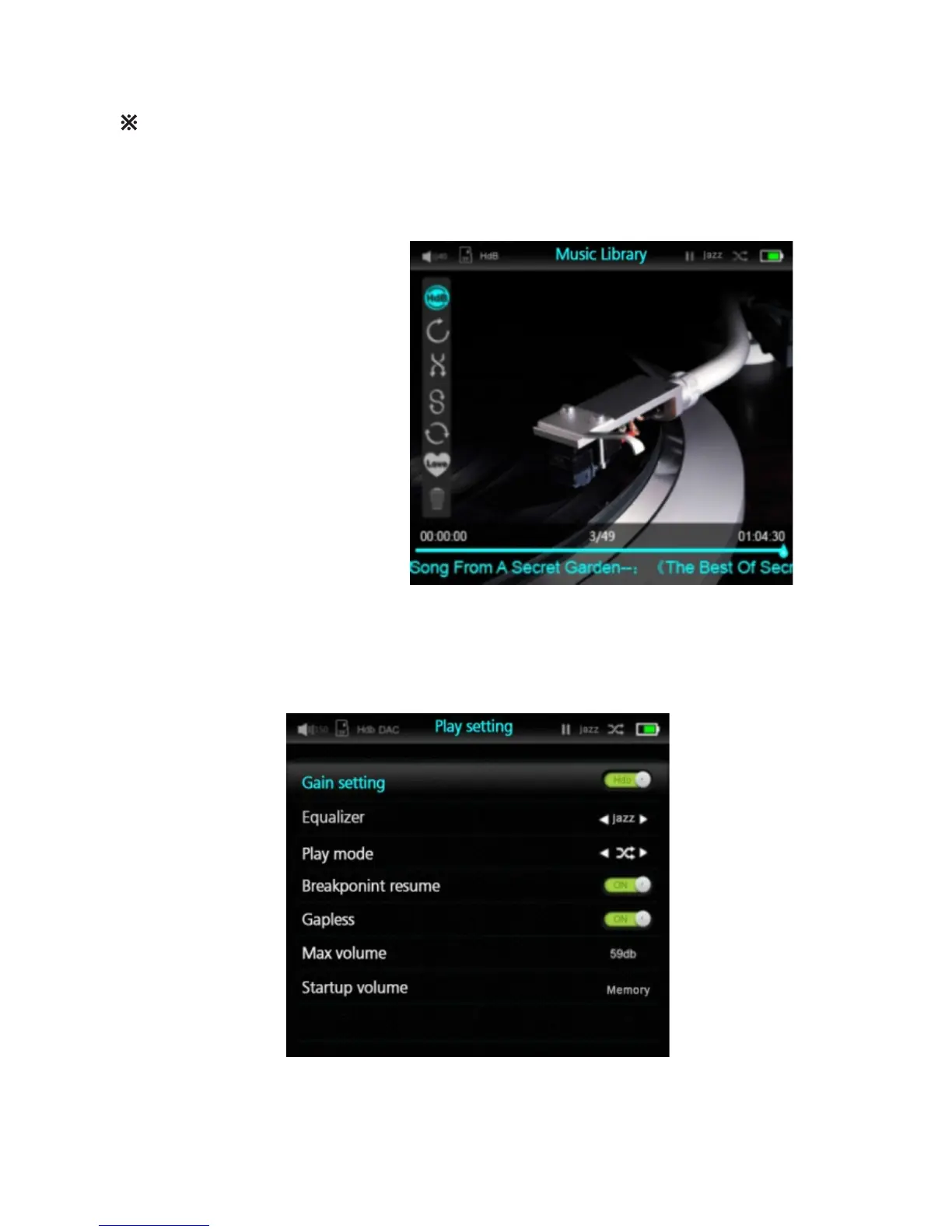
Playing Now menu will display the following information for your reference:
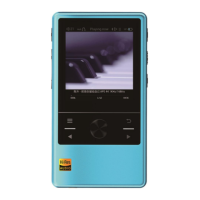
Music settings Menu
When you turn the Control Dial at “Playing Now” menu, the player will display the current
play list, you can review or play any file in the list by click at the control dial after you
1. Playback mode
2. Battery capacity
3. EQ setting
4. Timestamp of current file
5. Duration of current file
6. Volume setting
7. Current track number out of total
tracks in play list
8. Gain setting
You can adjust various music playback control parameters at Music Setting Menu
12


 To Next Page