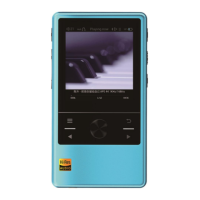
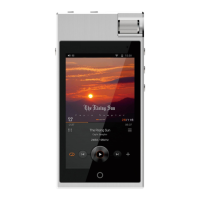
1. Each version of firmware might contain minor different, consumer please decide on your
own accord whether you need to update the firmware of your N6 Player.
2. Under normal circumstances, firmware upgrade will not cause any damage to user
information, but Cayin cannot exclude the possibility of upgrade failure due to mal-
operation or any other reason. For these reasons, you might be required to format your N6
player and result in losing person data stored on the player. We strongly suggest you
backup all your personal data stored on the player before you perform firmware upgrade.
3. The N6 firmware cannot be used in other product, and the firmware from other product
cannot be used in N6
Firmware upgrade procedure
1. For safety reason, please make sure the player has sufficient battery power before
Please confirm the N6 player has not less then 50% battery power beforehand, otherwise
please charge up the player before you proceed to firmware upgrade.
2. You can download the latest firmware from the Cayin website (Http://en.cayin.cn).
Decompress and copy the new N6 firmware file (n6.fw) into the root directory of a TF card
(FAT32 formatted).
3. Switch off the player, insert the TF card into the player
4. Hold Up button and Power button at the same time until the player find the firmware file
and go into firmware upgrade mode. A time elapse bar will display to show the progress of the
upgrade process.
5. Player will reboot at the end of the firmware upgrade. You can verify the current firmware
version number by selecting System Setting menu, under “About the Player” option, check out
the “Firmware Version” detail.
Do not operate the machine during firmware upgrade
Please delete/remove the firmware file from the TF card after firmware upgrade
Please update your Music Library after firmware upgrade
16
Firmware upgrade
For the hardware to function properly, Cayin has developed the N6 firmware to become the
foundation of the system functions. Cayin will issue updated N6 firmware from time to time to
improve the efficiency and performance of the hardware platform. We also want to improve
and optimize the features and functions of the player through subsequent firmware updates.


 To Next Page