Page.11.
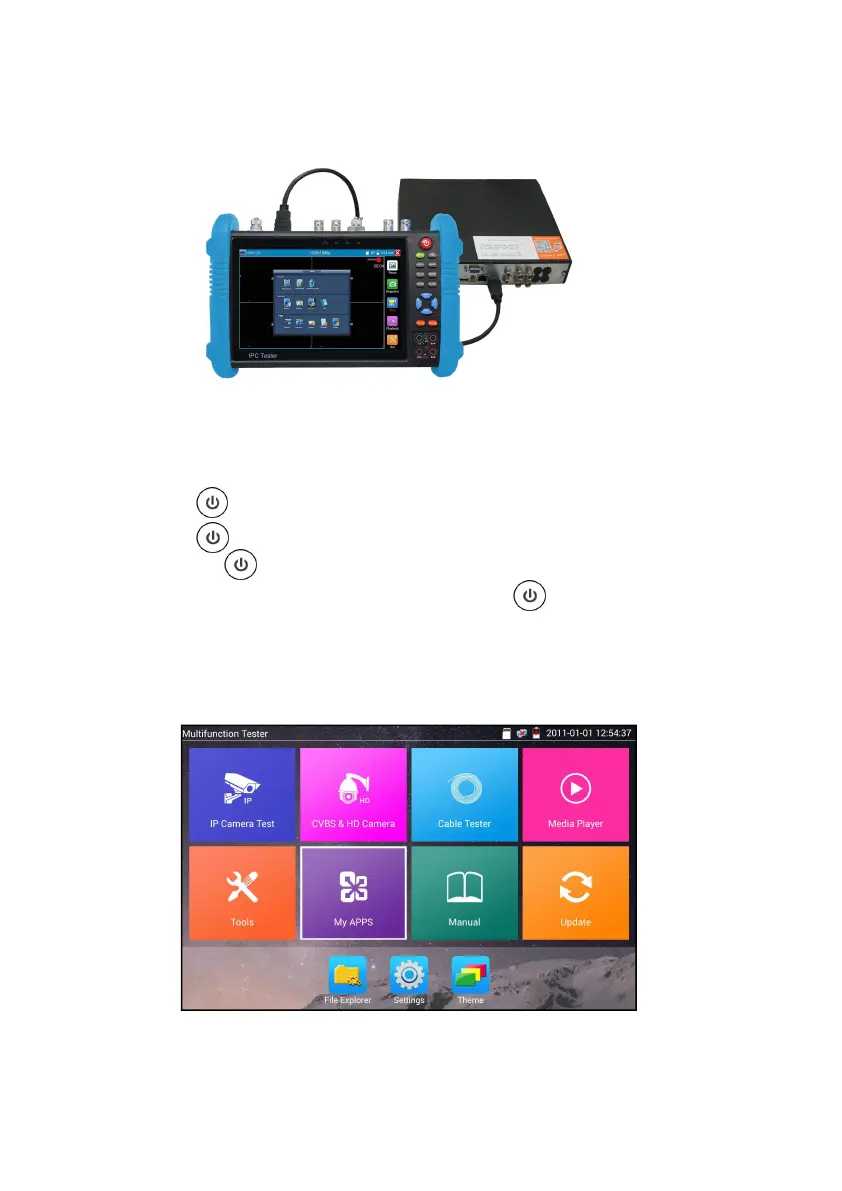
3.2.4 HDMI IN
DVR or other device’s HDMI in port connect to tester’s HDMI in port, the meter will display input
image.
3.3 OSD menu
Press the key 2 seconds to turn on
Press the key again to turn off
short press the key to enter sleep mode, press it again to test.
If tester works abnormally and cannot be turned off , Press the key several seconds to turn off,
the tester reset.
3.3.1 Lite mode& Normal mode
Lite mode: You can easy find corresponding apps


 To Next Page