Page.72.
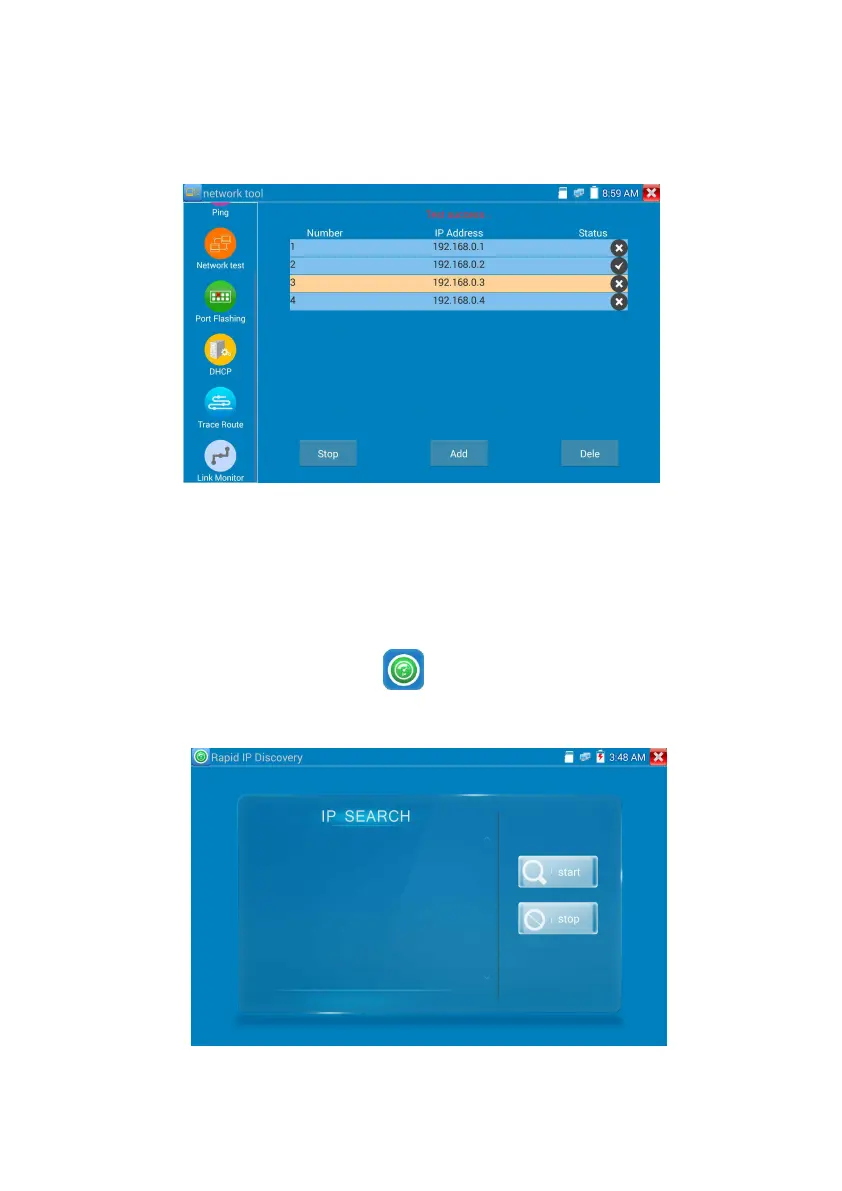
to stop the testing
Application:
Add an IP camera or other network device to the current network group, the new IP address must not be
occupied, otherwise it will cause IP conflicts and stop the equipment normal working. Link monitor can
check if the new setting IP address is occupied.
3.3.18 Rapid IP Discovery
Connect the cable to tester’s Lan port. Press to enter Rapid IP Discovery app.
Click “Start “to search all IP address of connected equipments in whole network segment.
Click “Stop “to stop work.


 To Next Page