Page.30.
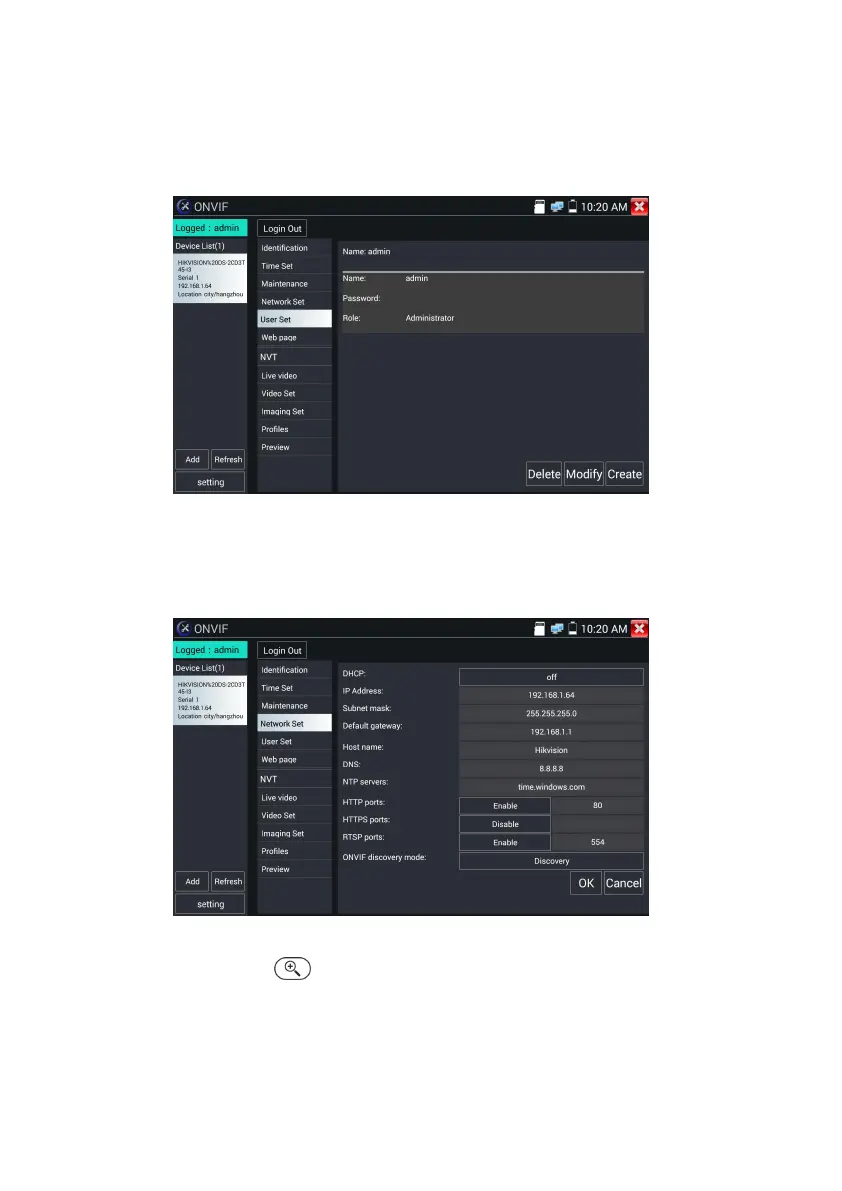
User Set: Modify camera user name ,password etc parameters
Network setting
:
Click “Network Set “to change the IP address. Some cameras cannot support change
IP address, so there is no change after saving.
Zoom in image :press the key to enter the zoom mode. Press it again to exit zoom mode.When
the image is enlarged tap left, right, up or down on the image to move the whole image on the screen


 To Next Page