35
Troubleshooting
In the event of any fault:
• Turn o the appliance
• Disconnect the power supply
• Have the appliance repaired
• Based on the instructions given in the table below, some minor
issues can be corrected by the user. Please check the consecutive
points in the table before you refer the repair to customer service.
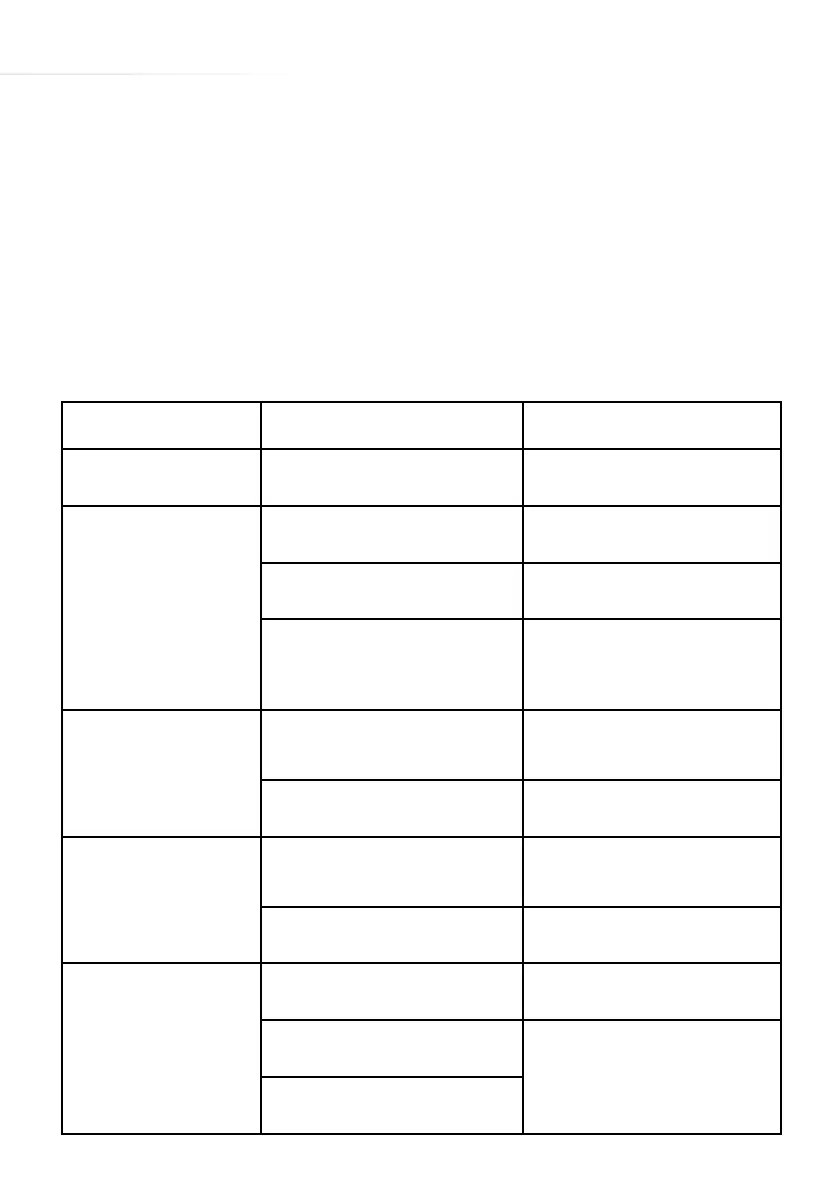
Problem Possible Cause Remedy
The appliance does
not work
No power
Check the fuse, replace if
blown
Sensor fields do not
respond when touched
Appliance is not turned on Turn on the appliance
Sensor field touched too briefly
(less than one second)
Touch the sensor field longer
Multiple sensors touched at the
same time
Always touch only one sensor
field
(except when a cooking zone
is switched o)
The appliance does
not respond and emits
an extended beep
Improper use (wrong sen-
sor fields touched or sensors
touched too briefly)
Reconnect the hob
Sensor fields covered or dirty
Uncover or clean the sensor
fields
The appliance switches
itself o
No sensor field is touched for
10 seconds of activating the
appliance
Switch on the appliance and
set heat setting without delay
Sensor fields covered or
dirty
Uncover or clean the sensor
fields
A single cooking
zone switches o and
residual heat indicator
„H” is shown.
Limited cook time
Switch on the cooking zone
again
Sensory fields covered or dirty
Uncover or clean the sensor
fields
Electronic components over-
heated



 To Next Page