16
• The booster will continue until the oven reaches its set temperature,
then the oven will automatically return to normal heating.
Important: Do not put any food in the oven while the booster is
operating, wait until the oven has reached temperature then insert the
food containers carefully.
Auto Cut-O Feature
There is an auto cut-o feature on all cooking functions for added
safety. Whenever the oven is running it will automatically switch o
after a set time, depending on the temperature setting.
Key Lock
The oven is equipped with a key lock to lock the controls. This can
be used when the oven is o or during cooking.
To switch on the key lock
Touch the “Key Lock” key for approximately 5 seconds, until the”Key
Lock” symbol illuminates and the oven beeps to confirm the key
lock is switched on.
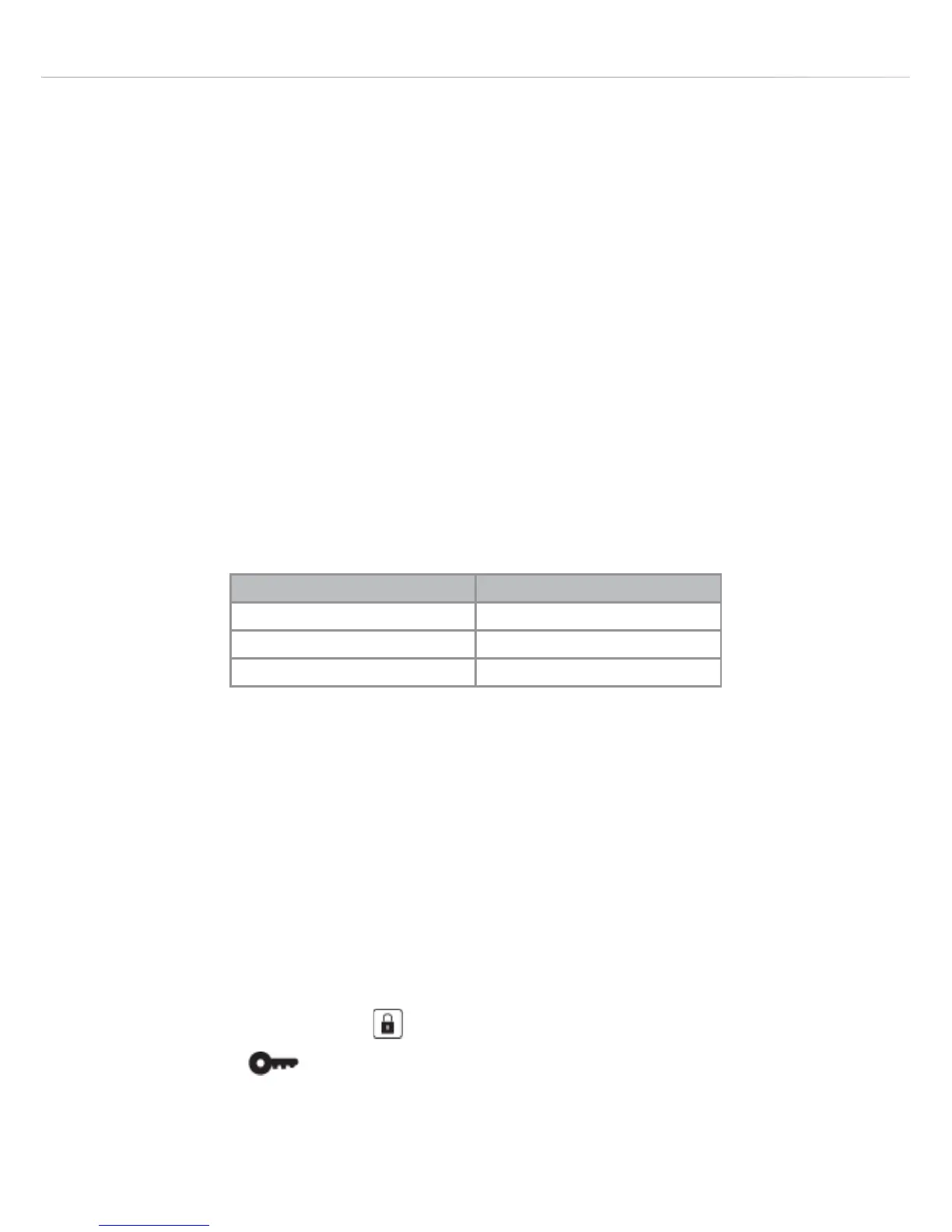
Selected Temperature Time to Cut-O (hours)
20 - 120°C 24
125 - 200°C 6
205 - 250°C 4


 To Next Page