CD42 Pipeline Pig Location & Tracking System
Page 35
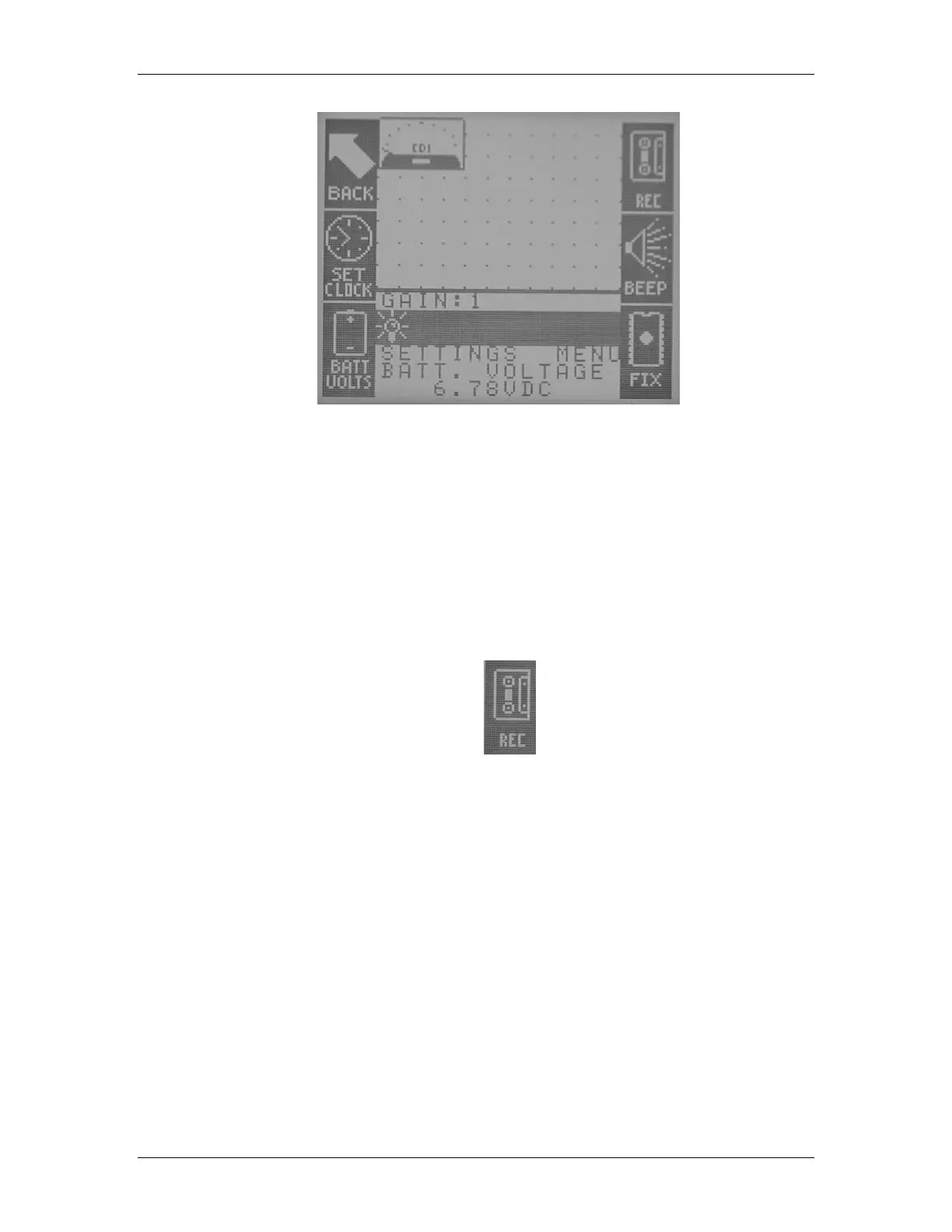
Figure 51 Current Battery Voltage
Recording Options
This section describes the record options in the setup section. For detailed instructions on the
different types of record modes and how to record pig passages, refer to the section titled
“Recording Pig Passages” earlier in this manual.
Recording Modes
In order to change the record mode the CD42-R is currently using, the REC button is pressed
(Figure 52).
Figure 52 Record Icon
When the operator presses this button, he is presented with a screen as shown in Figure 53.



 To Next Page