CD42 Pipeline Pig Location & Tracking System
Page 43
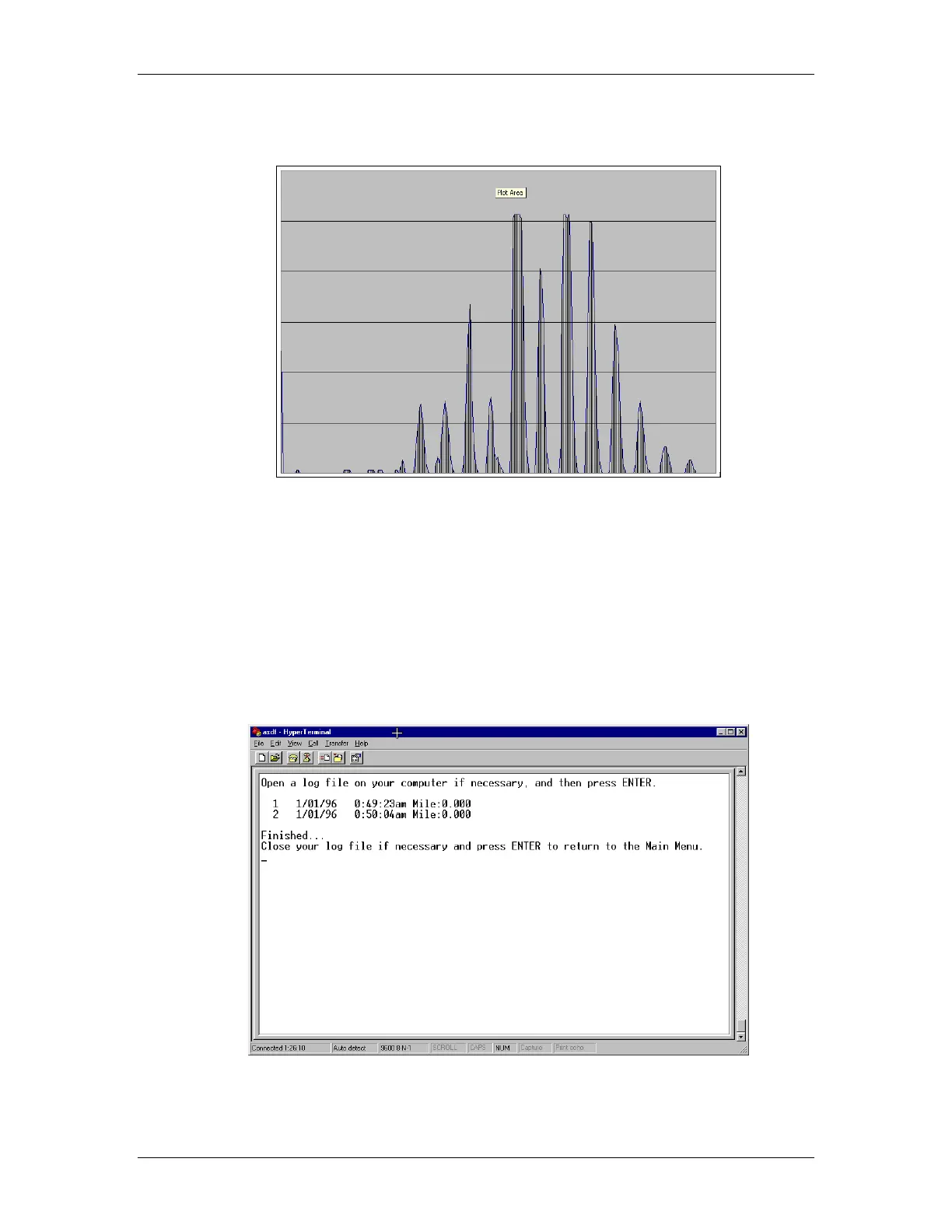
Figure 65 Data Plot Using Microsoft Excel
Dump File Dates/Times
The Dump File Dates/Times menu option works similarly to the View/Transfer Data File option
(Figure 61). This time, however, only the number of the recording in memory, the date, the time
and the mile marker position are dumped to the capture file. Again, this data may be manipulated
with standard spreadsheet programs as described in the section above. To learn how to capture and
manipulated the data, please read the section on View/Transfer Data File above. A sample dump of
File Dates and Times is shown in Figure 66.
Figure 66 File Date & Time Dump



 To Next Page