BATTERY INSTALLATION
Replace battery when the Low Battery icon ( )
indicates the battery is low. Power off the unit before
installing the batteries. A malfunction may occur if
the power is on when the battery is installed. If a
malfunction occurs, restart the device.
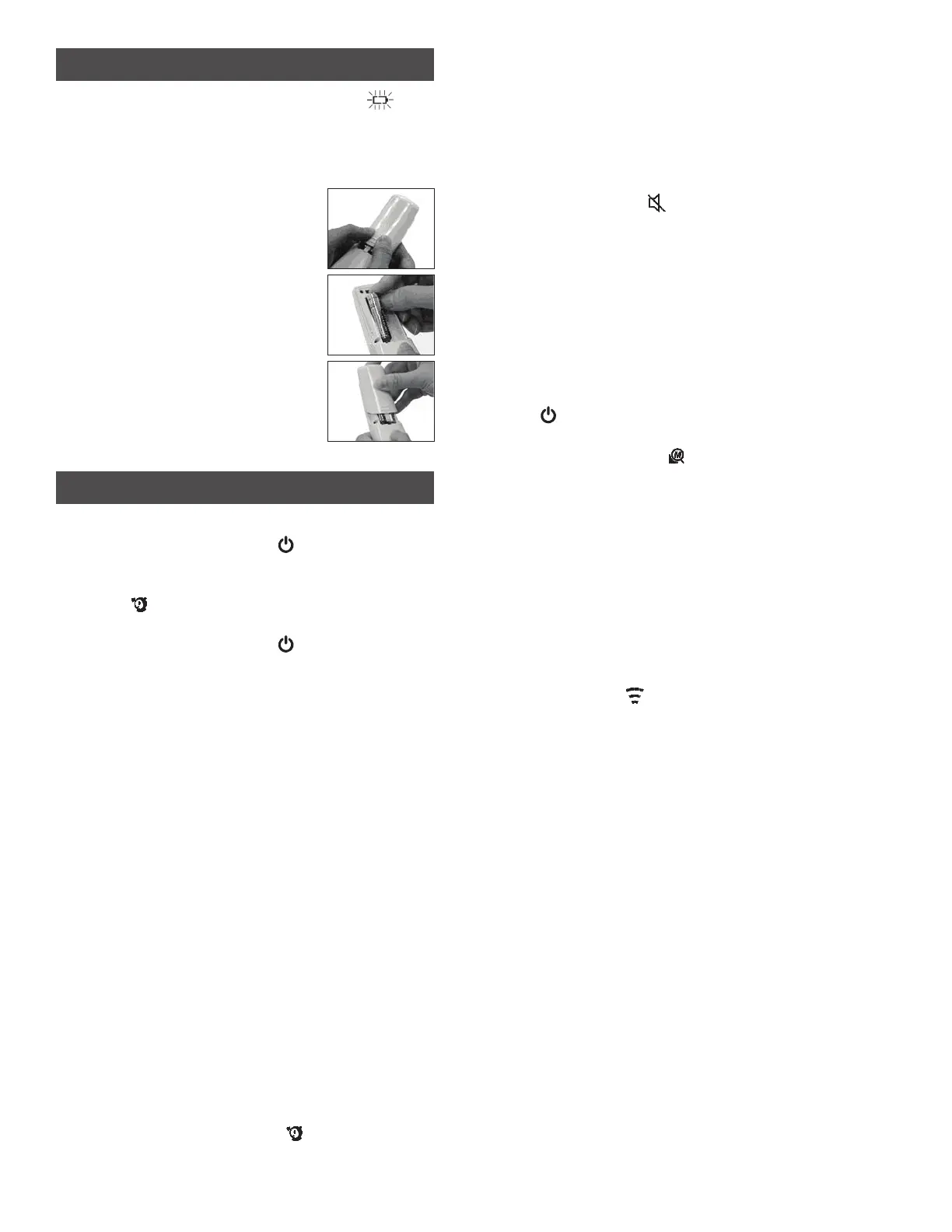
1. Remove battery cover by using the
thumbs to push battery cover out.
2. Install two 1.5V AAA batteries
observing polarity shown in
compartment.
3. Replace the battery cover until it
clicks shut.
OPERATING INSTRUCTIONS
A. On/Off
1. Press the POWER button ( ) to turn the
thermometer on.
2. Forehead is the default mode. The Forehead
icon ( ) appears on the display and two beeps
sound when ready.
3. Press the POWER button ( ) for 5 seconds to
turn the thermometer off.
4. The THD2FE will automatically turn off after
1 minute of inactivity.
B. Temperature Scale
Note: When the temperature scale is changed, the memory is
cleared.
To select temperature reading in Fahrenheit or
Celsius:
1. Power off the unit.
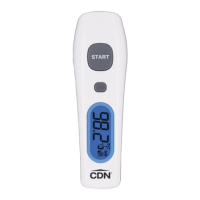
2. Press and hold the START button, then press
and hold the POWER button for 3 seconds.
3. The °F symbol changes to the °C symbol on the
display or vice versa.
C. LCD Backlight
The backlight will turn on automatically for
2 seconds when a reading is taken.
D. Forehead Mode
Forehead is the default mode of the THD2FE.
1. Make sure that the sensor lens is clean and
undamaged and that the forehead is clean.
2. Hold the sensor lens 1.5 inches (4 cm) or less
from the center of the forehead and press
the START button to get the temperature
measurement.
3. Wait for the Forehead icon ( ) to stop ashing
before taking the next measurement.
a. Temperature Alert
If the thermometer detects a temperature
≥99.5°F (37.5°C), three short beeps sound
followed by one long beep.
b. Silent
i. When the THD2FE is on, press and hold
the POWER button for 3 seconds.
ii. The silent icon (
) ashes on the display.
iii. Release the POWER button to silence the
alert.
iv. Repeat to turn the alert on again.
Note: If the POWER button is pressed for 5 seconds
after the silent icon has begun ashing, the device
will power off without setting the alert to silent.
c. Memory
Recall up to 25 readings.
Note: As the memory gets full, the newer readings will
replace the older readings.
i. When the THD2FE is on, press the POWER
( ) button to see the temperature records
in memory.
ii. The memory icon ( ) appears on the
display.
iii. Press the Power button again to cycle
through all of the previous readings
starting with the most recent.
E. Surface Mode
Note: The surface mode shows the actual and unadjusted
surface temperature which is different from the body
temperature. It can help you monitor if the object temperature
is suitable for the baby or patient, for example the baby’s milk.
1 Turn the thermometer on
2. Press and hold the POWER button and press
the START button once to enter Surface mode.
3. The surface icon ( ) appears on the display.
4. Aim the sensor lens at the target and press
the START button to display the surface
temperature.
5. Press and hold the START button to get
continuous measurements.
Note: Applications include temperature measurements for
water, milk, cloth, skin or other objects.
Note: This mode shows the actual and unadjusted surface
temperature which is different from the body temperature.
Important: HAND WASH AND DRY. DO NOT IMMERSE
IN LIQUID.


 To Next Page