EN EN
13
CDV-T5
2EASY 2-wire Touchscreen Video Door Station
5. Other Settings
Sub-menu Description
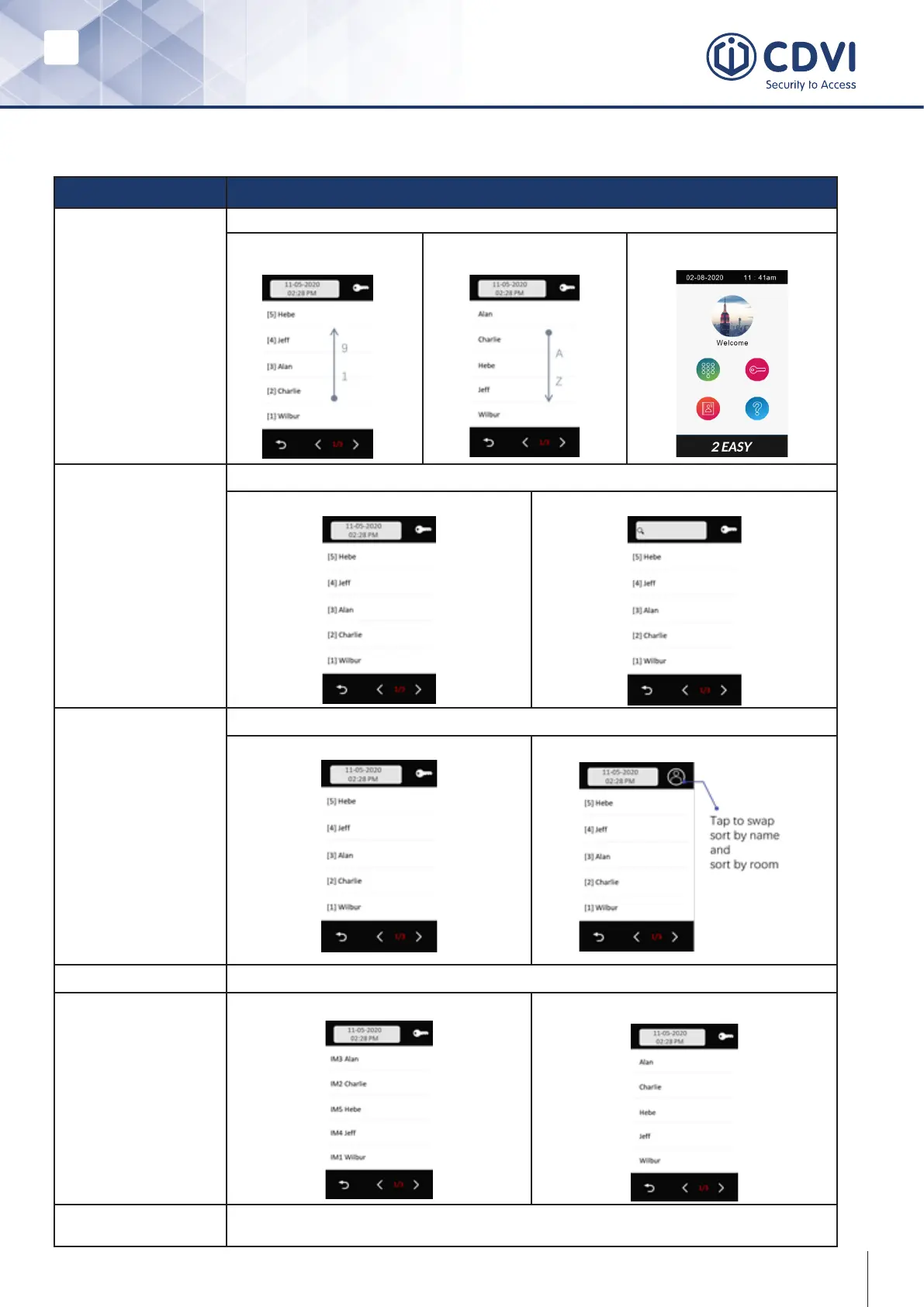
Default menus select
Default main menus when in standby:
Room list
Sorted by room number
Name list
Sorted by name
Classic main menu
List display date time
Display date and time in the list calling menu:
Enabled
Disabled
List display unlock
Display unlock icon in the list calling menu:
Enabled
Disabled
List display name only
Display name only or with a room number
1
1
0
Screen mode Day mode: White background
Night mode: Black background



 To Next Page