2 EASY
6. When update is nished, it will return to
Standby Mode
interface.
UI UPDATE
When door station
is in standby, press
'#8002'+code 66666666
to enter
Setup
page.
Tone Select
setting
page.
* Cancel # Save
2. Tone Select [01]
00 Mute
01 Tune
Press No.
to select
*Back
Setup
1. Language [0]
2. Tone Select [01]
3. Tone Volume [3]
4. Unlock Code [1111]
5. Work Mode [0]
6. Clock ...
7. Setup Code ...
8. About ...
9. Default ...
02 English
3. Copy the Ring.bin le to SD card by computer.
7. Check the Tone
Select 02(English) to
check your tone update,
and press # to save.
1. Format SD card
2. Edit UI le
CONFIGURATION
System Update
• If other languages are required, please record the audio le in the
language required.
• Then send the audio le to our company, a Ring.bin le will be
created for you to update the tone.
select 2 to enter
4. Select 2 (Voice update) to enter
Tone update
, the screen will
show 'Update Ready'
5. Insert the SD card into the slot shown below, “Download...” will be
displayed when the updated is in progress. After 3 seconds, a
long sound “BEEP” will be heard to start the update.
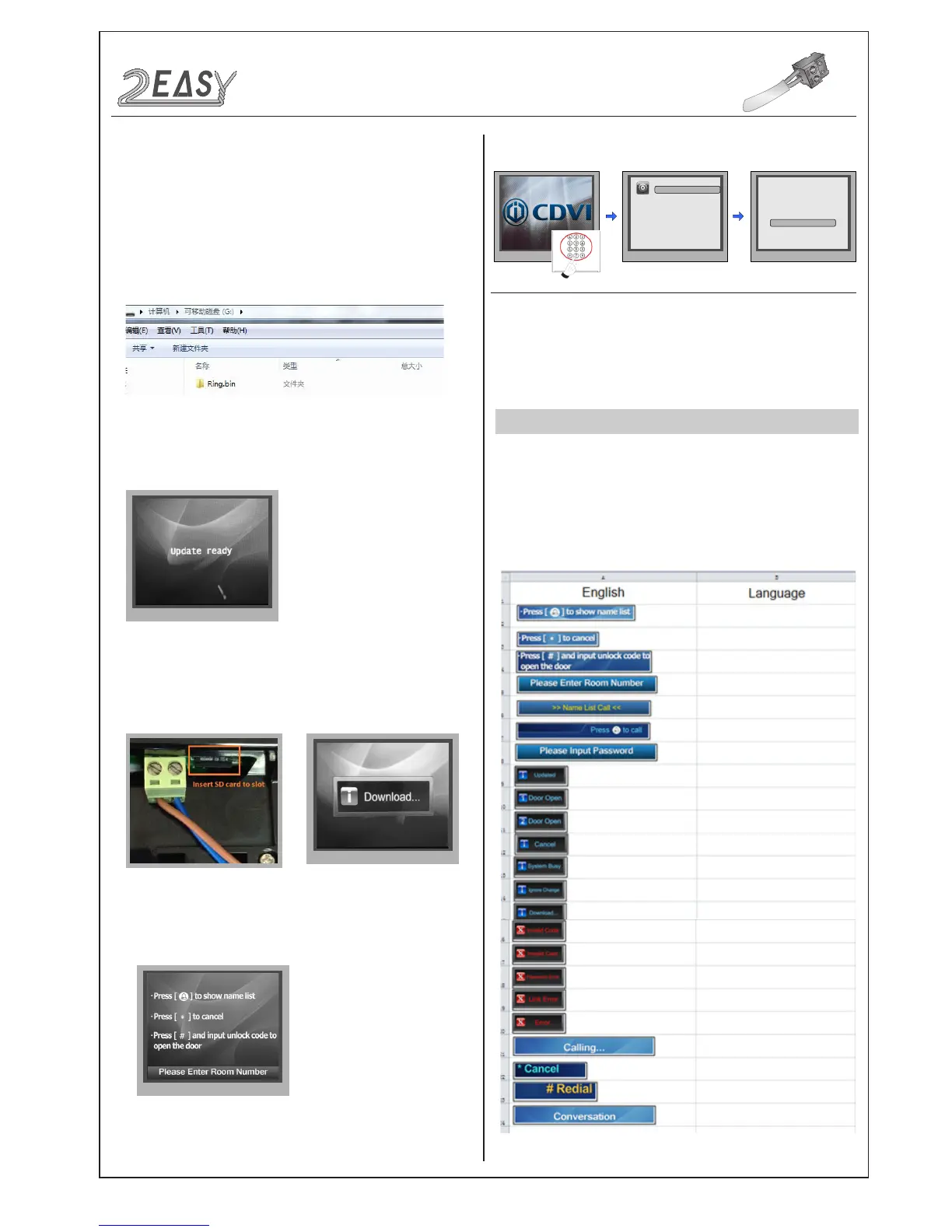
Multiple languages are supported on the CDV-DDP, English is the
default language, if other languages are required, please provide the
translation to us. About the UI le, see the following picture shows:
-12- DMR18S Technical Menu



 To Next Page