2 EASY
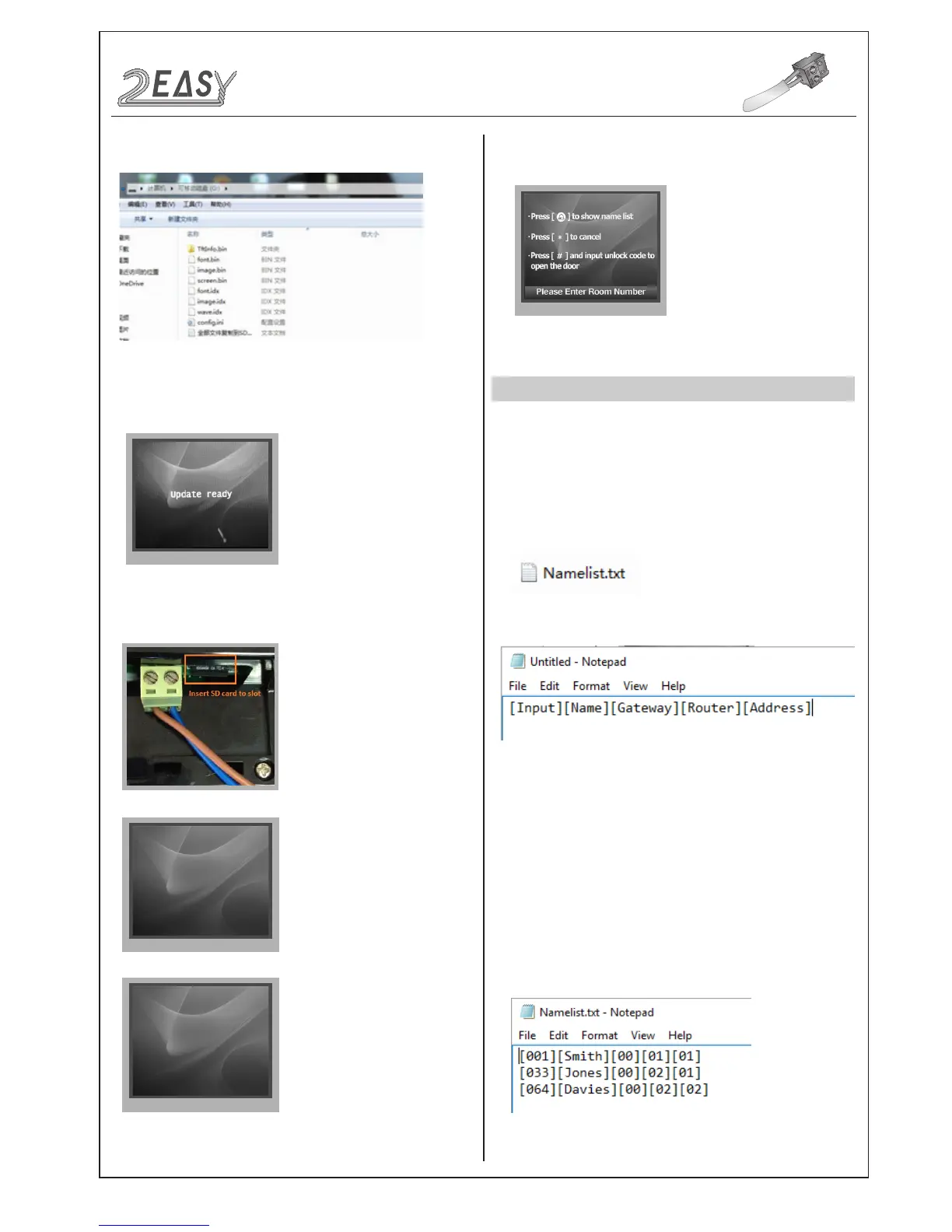
3. Copy the Update UI le to SD card by computer.
font.bin :12%
font.bin :100%
image.idx :100%
image.bin :6%
NAMELIST UPDATE
1) Namelist update by SD card
1. Format SD card
2. Namelist.txt le setting
• Open the NameList.txt file, and input 5 [ ] symbols. Each [ ]
symbol has its meaning, see the following picture.
Descriptions:
• Edit NameList.txt le, for example, as the following picture shows:
CONFIGURATION
System Update
6. When update is nished, it will return to
Standby Mode
display.
And show the new UI.
• Create a TXT le, named NameList.
Input:
Enter the number to call the monitor
Name:
As it would be displayed on screen
Gateway:
Set the gateway mode according to the BDU
address.
[08~15] means BDU address 01~08
Router:
Set the Router mode according to BDU address. [01~08]
means BDU address 01~08
Address:
Set the monitor address required
Enter101 or 1-01, it would call the monitor 01 in BDU 1.
4. Select 3 to enter
UI update, the screen will show 'Update Ready'.
5. Insert SD card to slot, after that, the update progress will be
shown.
DMR18S Technical Menu -13-



 To Next Page