Please Input Password
1 2 3
654
7 8 9
#0
*
RF CARD
Press No.
to select
*Back
Setup
1. Language [0]
2. Tone Select [01]
3. Tone Volume [3]
4. Unlock Code [1111]
5. Work Mode [0]
6. Clock ...
7. Setup Code ...
8. About ...
9. Default ...
CONFIGURATION
Work Mode
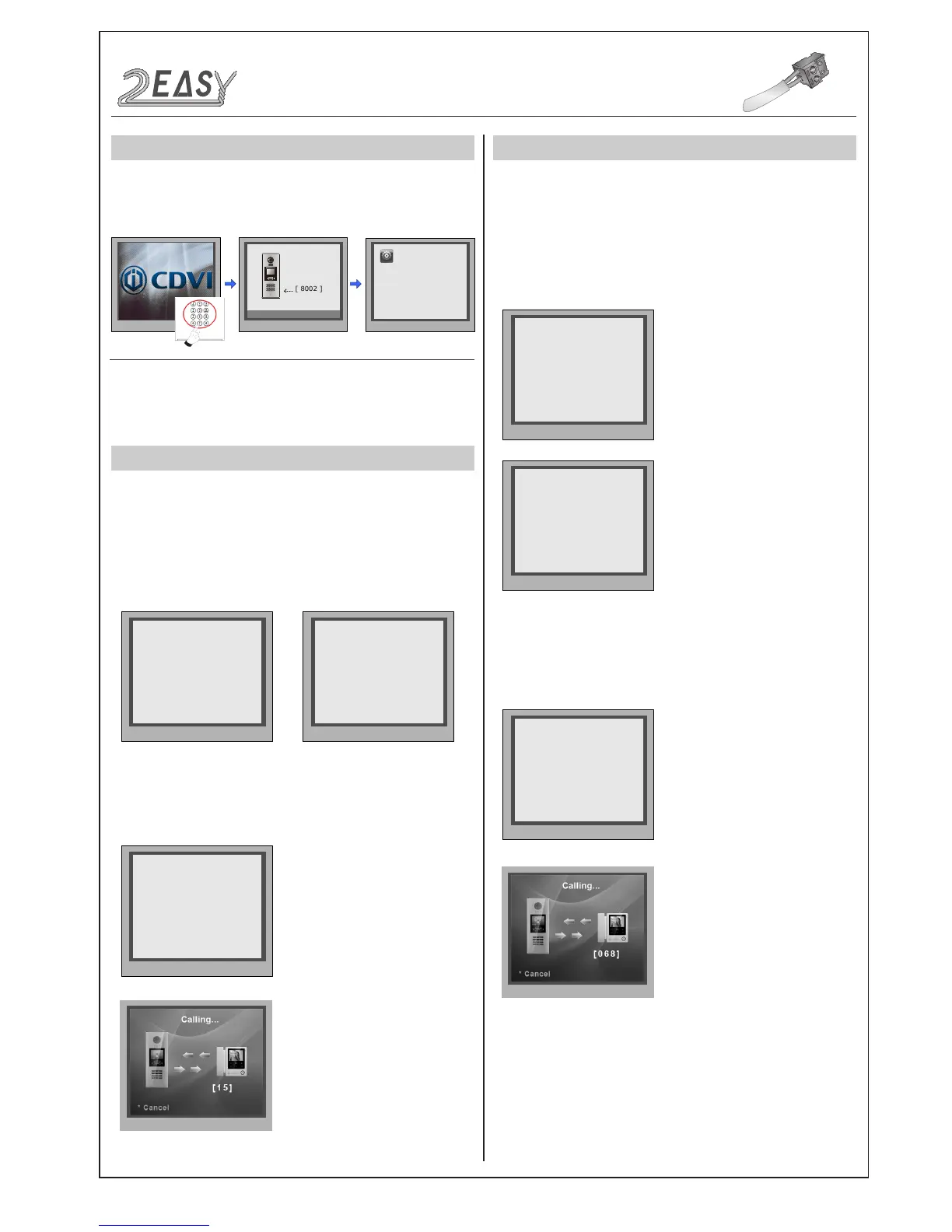
When the door station
is in standby, press the
'#' key
Enter '8002', then enter the
Admin Code.(66666666
by default)
Select “5” to enter
Work Mode page.
The
Standard Mode
is used in a small capacity system, under 32
monitors and without a BDU unit. Generally dial 01~32 to call the
monitor.
Input Mode Setting:
In standby mode. Enter #8001+
Code(66666666 by
default), then select “ 5 ” to set the
Doorplate
Mode
, for example enter the code 15 to call the monitor.
Input Mode
: In standby mode. Enter #8001+ Code ( 66666666 by
default), then select “ 5 ” to set the
Doorplate Mode
, for example
enter the code 068 to call the monitor.
The
DT-DJ Mode
is used for the audio intercom system. When the
system contains audio handsets, such as DJ4A, DJ5A, DJ6A, etc.
The
DT-DJ Mode
can be assigned addresses from 001 to 128
without a BDU unit.
There are four different work modes available for CDV-DDP to
accommodate different situations. In standby mode, enter #8002
+ code (66666666) and select “ 5 ” item to enter
Work Mode
setting
page.
DMR18S Technical Menu -9-



 To Next Page