0-# Redial
1-# Tools
2-# Exits
* Cancel # Save
[ - - ]
6. Voltage Measure
* Cancel # Save
Show The Card
2. Delete By Card
* Cancel # Save
2. Delete By Card
i
Updated
Card numbs:15977131
U
s
e
r
C
a
r
d
* Cancel # Save
Please Input Room Code
3. Delete By M.code
[ - - - ]
* Cancel # Save
Please Input Room Code
3. Delete By M.code
[ 0 0 1 ]
i
Updated
* Cancel # Save
Card Count: 320
4. Cards Information
* Cancel # Save
[ - - - - - - - - ]
5. Format
Please Input Password
* Cancel # Save
[ 66666666 ]
5. Format
Please Input Password
i
Updated
CONFIGURATION
Debug State
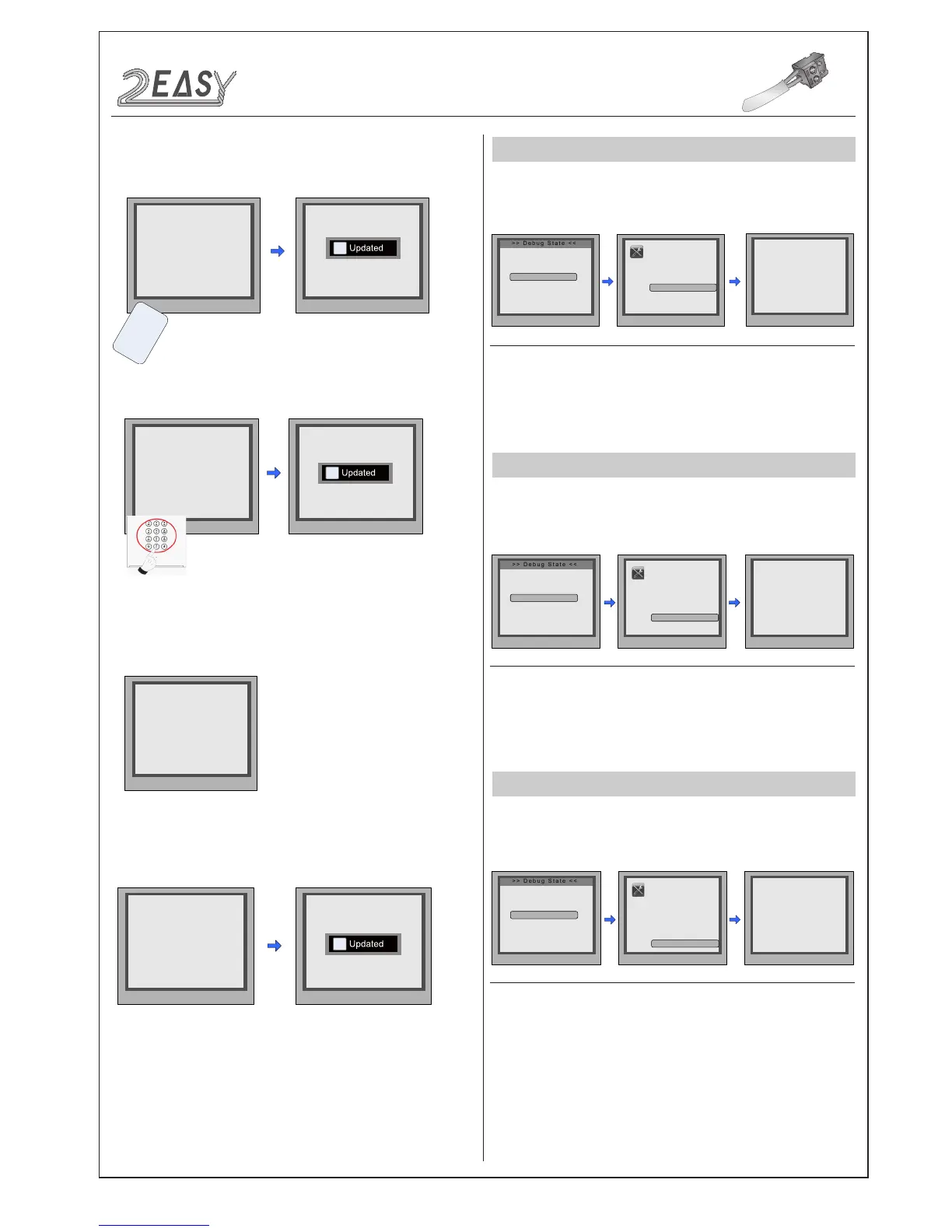
To search the Gateway and Online Monitors, enter the monitor code
number(address) to search.
While working in debug
state, press "1#" to enter
the tools page.
Enter the search
range required, then
press “#” to start
search.
To search the online door stations(Max.4 door stations can be
searched) and other accessories.
VOLTAGE MEASUREMENT
To check the voltage of a monitor, Note: the monitor must be
online.
While working in debug
state, press "1#" to enter
tools page.
Press NO.“6” to enter
Voltage Measure item.
Enter the monitor code,
then press “#” to search.
Press NO.“5” to enter
'Online Devices'.
Press NO.“4” to enter
'Online Monitors'.
• Select 2 to 'Delete By Card'
• Select 3 to 'Delete By M.code'
3.Card Information:
Select 4 to enter the
Card
Information page, card count will be showed.
4.Format:
Select 5 to enter the
Format
page. Enter the 8 digit
pass
word to start format.
-8- DMR18S Technical Menu


 To Next Page
 Loading...


