EN
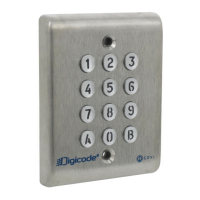
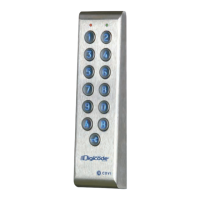
PROFIL100EC
Keypad PROFIL100EC
7cdvigroup.com
F. Reset master code
On stand-by operating mode,
put a jumper on P2.
- Wait 1 second and then remove the jumper.
- One beep is emitted.
-Themastercodeisrestoredtoitsdefault
value 1 2 3 4 5 in 5-digits code and 1 2 3 4
in 4-digits code.
G. Changing the code by a user
To authorize a user to modify its own
user code place the jumper on P3
(
to disable the function remove the jumper).
1. Enter the old user code.
The relay is activated and a beep is emitted.
2. Enter the 2-digits sub master code
(default sub master code AB).
Abeepisemittedtoauthorizemodication.
3. Enter the new user code.
2beepsareemittedtoconrm
the new code.
4. Check the new user code to be sure
ofthemodication.
H. Setting a sub master code
The Sub Master code allows the user
to change its own code without entering
in programming mode. For security
reasons the code need to be changed
periodically. This feature makes it easier
and faster to change its code.
1. Enter the master code twice
(1 2 3 4 5 defaultvaluemastercode).
2beepsareemittedtoconrmentry
in programming mode.
2. Press A7 to program a sub master
code for the user individual Pin
codemodication.
- One beep is emitted.
- Enter the new 2-digits sub master code.
-Onebeepisemittedtoconrm
programmingofthesubmastercode.
3. Press B to exit from
the programming mode.
2beepsareemittedtoconrmthatthe
keypad is in stand-by operating mode.
I. Audible Feedback
The audible signal is enabled in programming
mode and when the relay is energised
after a valid code. To enable the audible
feedback on a key press:
1. Enter the master code twice
(1 2 3 4 5 defaultvaluemastercode).
2beepsareemittedtoconrmentry
in programming mode.
2. Press AA.
- One beep is emitted.
- Press 0 to disable the audible signal
during a keypress.
- Press 1 to enable the audible signal
during a keypress.
-Onebeepconrmsthenewsetting.
3. Press B to exit from
the programming mode.
2beepsareemittedtoconrmthatthe
keypad is in stand-by operating mode.
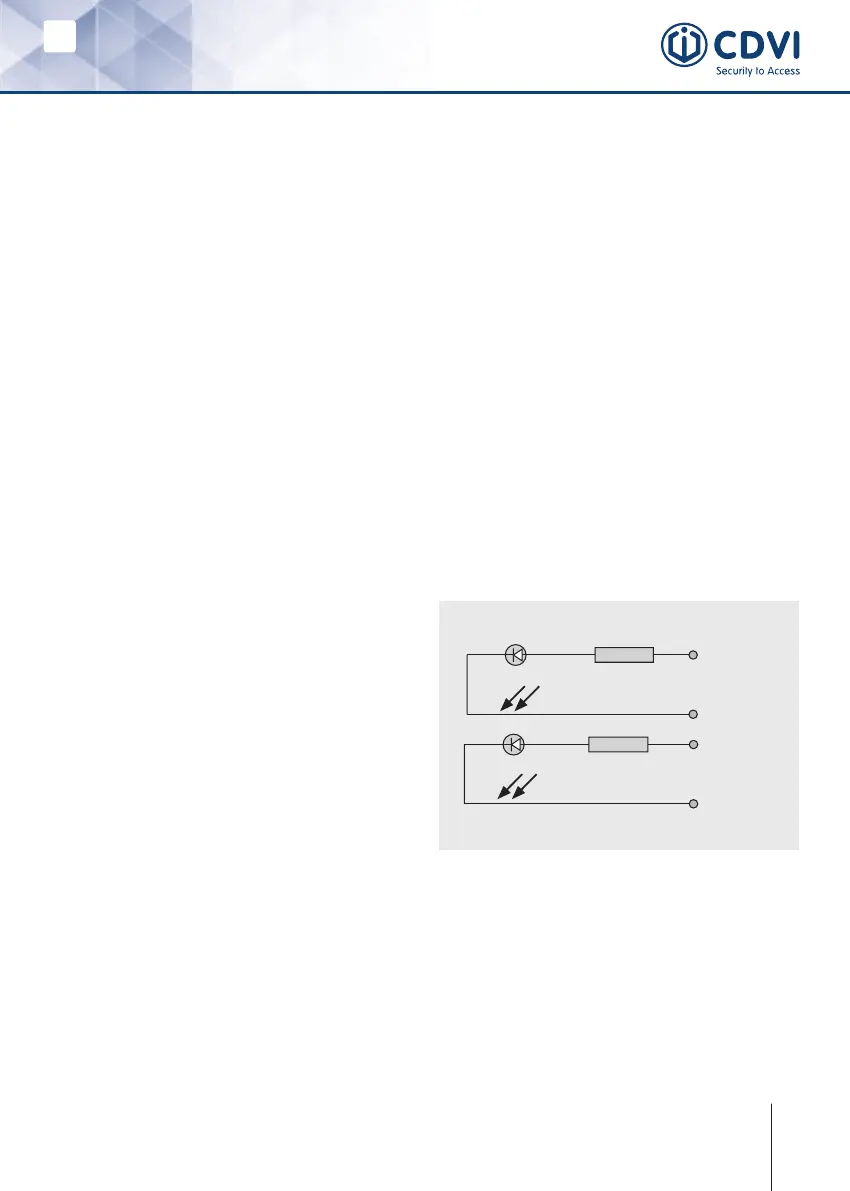
J. Use of the red and green LEDs:
- The red and green LEDs are designed
to receive 12V dc (built-in resistors),
-Theyarewiredasfollows:
NOTE! Only use 12VdcforLED-lights.
Orange
12V dc
Grey
0V
Pink
12V dc
Blue
0V
2.2KΩ
2.2KΩ
Red LED
Green LED


 To Next Page