ENGLISH
31
and down direction buttons and to increase or decrease the hour and minutes
and use and to switch between hours and digits. The hours can be increased or
decreased by whole hours, the minutes by 30 minutes.
2. Conrmation or cancellation of schedule
• After setting, aim the remote control at the robot and press . A beep sound will
conrm the settings have been saved and the scheduled day will light up steady.
• Press the button to cancel the schedule of the selected day. The prescheduled
day will turn off on the display and the next day will ash.
• Follow the before steps to schedule the desire day again. Once the complete
schedule has been saved successfully, it will exit the schedule mode.
3. Cancel schedule settings
• From the schedule settings, the scheduled day will light up and the non-scheduled
ones will ash. Press and to select from Monday to Sunday.
• Then, press to cancel the selected day. The display will show the next day.
• Once the schedule has been cancelled, press to exit the schedule mode.
4. Check schedule
• From the Standby mode or while the robot is on, press check the schedule. The
scheduled days will be lit up steady except for the scheduled day closer to the
current day, which will ash.
• Press and to check the scheduled days.
• Press on the remote control to quit the schedule-checking interface manually.
Note: after 10 seconds of no remote-control operation, the display will automatically show the
current time without need of using the remote control.
Recommendation: see the videotutorial at our YouTube channel for reference.
CLEANING MODES
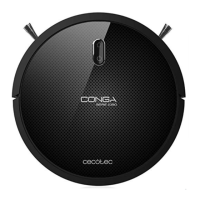
The robot offers different cleaning modes which adapt to different cleaning needs.
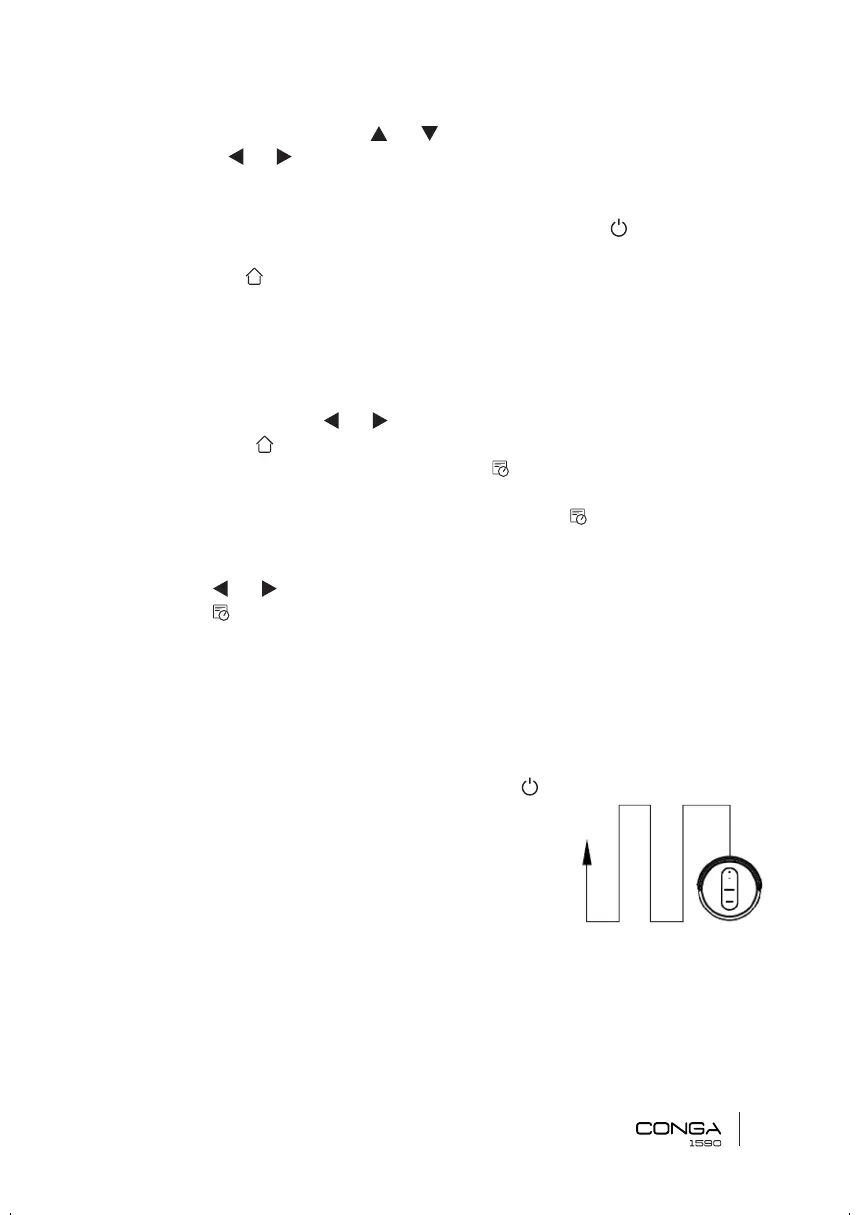
1. Auto cleaning mode: From the standby mode, press
on the robot or the remote controlfor the robot to start
cleaning automatically. It will carry out a cleaning cycle in
Gyro mode, Edge mode and then will nish off in Random
mode. It is the most commonly used cleaning mode and
it is used to clean the 100 % of the house’s surface. The
robot vacuums the oor’s dust automatically, in and
organized and efcient way, as it features memory and gyroscopic navigation. Moreover,
it changes direction when it nds obstacles throughout its route and it returns to the
charging base in a smart and direct way once the cleaning is over. It includes TotalClean
function, therefore the robot cleans the whole surface, returning to the charging base








 To Next Page