4746
ENGLISH ENGLISH
Side brushes
Side brushes are designed with multiple bristles and are used to push dirt towards the suction
nozzle and to clean thoroughly edges and corners. These brushes can wear out over time,
aecting negatively to the cleaning eciency. For this reason, it is suggested to replace each
side brush after a maximum of 220 hours.
Recommendation
It is recommended to clean the side brushes once a week with the help of the cleaning brush.
Main brush
The main brush is designed with bristles and silicone, spins at top speed and helps introduce
dirt into the suction nozzle. This brush is in contact with the oor, and therefore with dirt, so it
can be worn out over time, aecting negatively to the cleaning eciency. For this reason, it is
suggested to replace each side brush after a maximum of 320 hours.
Recommendation
It is recommended to clean the main brush once a week with the help of the cleaning brush.
Sensors
Cleaning robot vacuum cleaners have dierent types of sensors, for example, proximity
sensors that allow the robot to move around while detecting obstacles or free-fall sensors
that help the robot detect slopes or possible gaps/unevenness such as staircases. These
sensors are always in contact with dust particles, and therefore can be blocked over time,
causing possible navigation errors. It is suggested to clean all the robot’s sensors with the
cleaning brush or with a dry cloth after a maximum of 35 hours of operation.
Battery charge and replacement
- To lengthen the battery’s service life, keep the robot charging on the charging base when
not in use.
- If the robot is not going to be used for a long time, remove the battery from the product and
store it in a dry and safe place.
- To replace the battery, follow the instructions below:
- Unscrew the 2 screws on the battery compartment, remove the battery cover and the
battery. Fig. 39
- Insert the new battery with the battery label facing up. Fig. 40
- Place the battery and the battery cover in its place and x properly the screws back again.
5. TROUBLESHOOTING
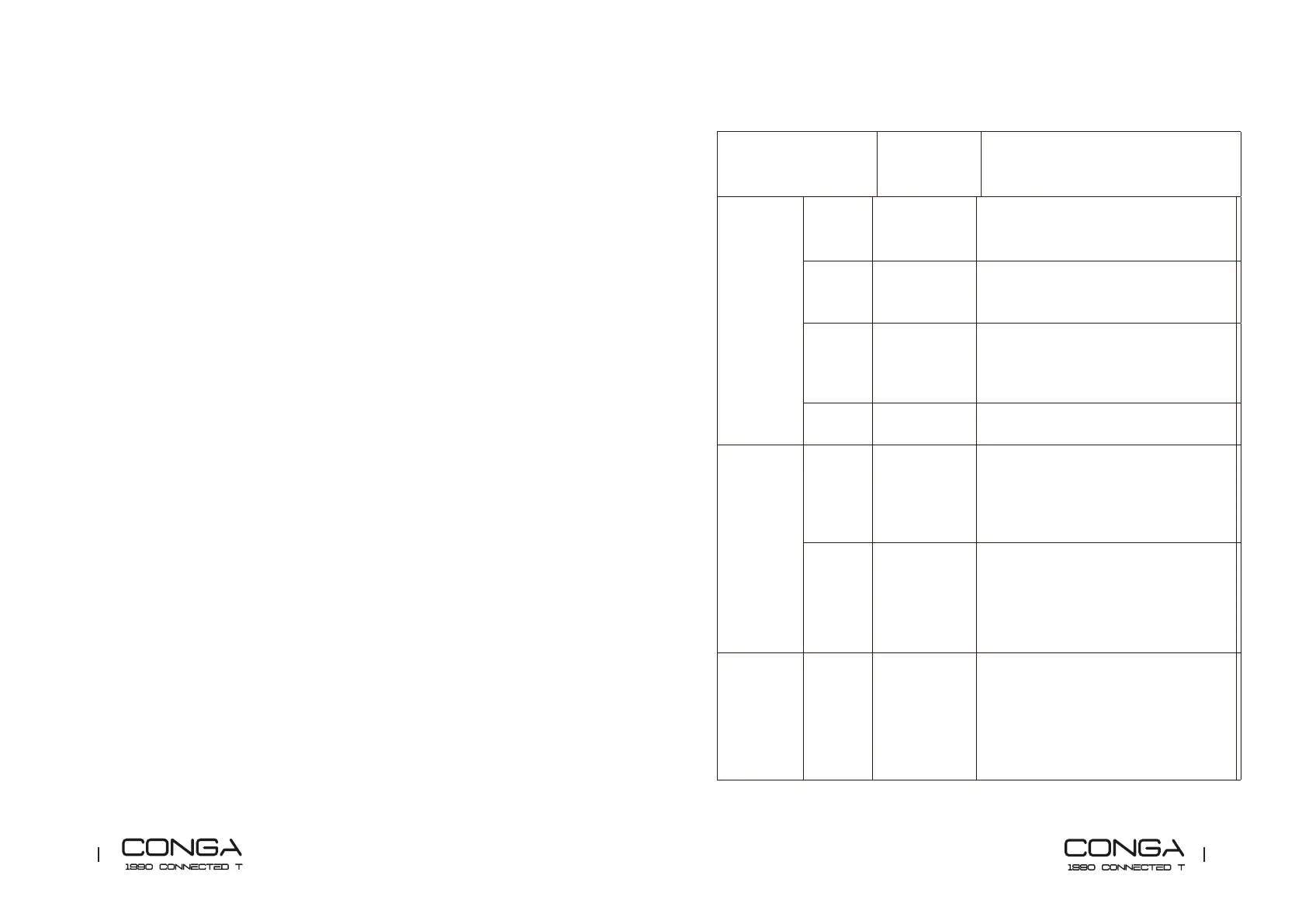
Robot signal Cause Solution
Steady red
light
1 beep Omnidirectional
wheel error.
Clean the omnidirectional wheel and press
the power button to restart.
2 beeps Robot's side
brush error
Clean the side brushes and press the power
button to restart the robot.
3 beeps. Motor fan or
lter error
Remove and empty the dust tank.
Remove the robot’s lter and shake o any
dust rests.
4 beeps. Main brush
error.
Remove and clean the robot’s dust tank.
Oscillating
red light
2 beeps Bumper error. Check if the bumper is blocked and press on
both sides and center to unblock it.
3 beeps.
Free-fall sensor
error
Check if the robot is placed on an uneven
surface, if its wheels are o the ground or
if it is stuck in a dark place and move it to a
new location. Otherwise, clean the free-fall
sensor.
Steady red
light
4 beeps. The robot
cannot return
to its charging
base or starting
position.
Make sure there are no obstacles in front
of the charging base. Clean the charging
terminals on both the charging base and the
robot with a clean, soft and dry cloth.











 To Next Page