5756
ENGLISH ENGLISH
1. PARTS AND COMPONENTS
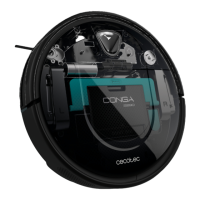
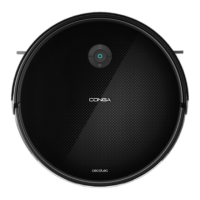
Conga 2290 Ultra
Fig. 1
1. Power/operation button
2. Back home button
Back home button
The robot will automatically go to the charging base when this button is pressed on the robot
or on the remote control.
Indicator light
- Charging: Oscillating orange light
- Fully charged: Steady blue light
- Standby mode: Steady blue light
- Error: Steady/oscullating red light
- Low battery: Steady orange light
- Cleaning: Steady blue light
- Sleep mode: Light o
Power/operation button
- Hold down this button for a few seconds to turn the robot on or o.
- Press it to start cleaning too.
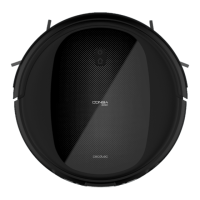
Fig. 2
1. Anti-collision sensor
Fig. 3
1. Free-fall sensors
2. Driving wheels
3. Power switch
4. Charging terminals
5. Omnidirectional wheels
6. Side brushes
7. Battery
8. Dust tank
9. Main brush
Fig. 4
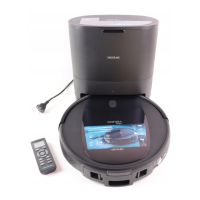
Charging base
Fig. 5
Remote control
Fig. 6
Dust tank
Fig. 7
Wet & dry tank
Fig. 8
Primary and high-eciency lters
Fig. 9
Jalisco brush
Fig. 10
Side brushes
Fig. 11
Main silicone brush
Fig. 12
2 mops
Fig. 13
Cleaning brush
Fig. 14
Magnetic strip
Fig. 15
1. Mode and time display
2. Time setting
3. Automatic charge/Back home
4. Autoclean/pause
5. Direction buttons
6. Spiral cleaning
7. Room cleaning
8. Scrubbing levels








 To Next Page