ENGLISH
24
3. Install the side brushes into their right position on the bottom part of the robot.
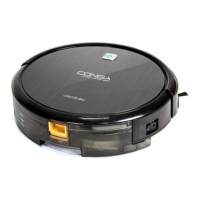
4. Turn the power switch on, located on the side of the robot. “I”: ON, “O”: OFF.
Note: once the robot has nished cleaning, do not turn off the power switch. Allow the robot to
charge in order to ensure better operation next cleaning.
WARNING: as a safety measure, all preset values will be restored when the power switch is
turned off. In order to schedule cleaning, make sure the power switch is set at “I”.
5. Place the robot on the charging base and allow
it to charge for 12 hours during the rst charge.
• The on/off button will ash in green/blue
indicating it is charging.
• The on/off button will light up steady
in green/blue indicating the charge is
completed.










 To Next Page