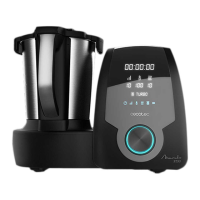
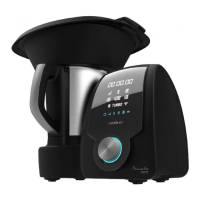
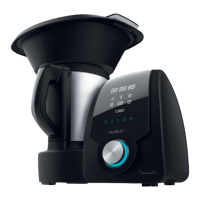
MAMBO TOUCH
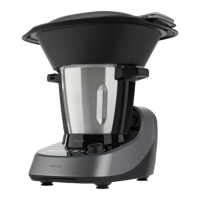
MAMBO TOUCH + JARRA HABANA
57
ENGLISH
5-20 minutes
30 minutes
10 minutes
15 minutes
20–30 minutes
- Wipe the main body with a clean damp cloth. If food residue remains, dampen the cloth in
warm soapy water before wiping it. Never immerse the main body in water or other liquid.
- To maintain the good performance of your food processor, check and clean the removable
bottom part of the jar after each use. Wipe it with a soft damp cloth and dry it thoroughly
before using it again.
- If the food processor is not going to be used for a long time, unplug it from the power
supply and store it in a cool and safe place.
7. TROUBLESHOOTING
Warning code Description Possible cause Possible solution
A1 warning
Locking system. The jar or the jar’s cover are
not fixed properly.
Re-assemble the jar and
jar cover, make sure all
the parts are assembled
properly and tightly and try
operating it again.
A2 warning
Incorrectly
positioned jar.
The jar is not in its correct
position or connection of the
temperature sensor at the
jar base is damaged.
Re-assemble the jar
and make sure it is fixed
properly.
A3 warning
Content
exceeded.
There is too much food
inside the jar.
Remove some food from
inside the jar or cut the
food to smaller pieces and
restart the food processor.
A4 warning
The temperature
is too high.
There is no or very little
food in the jar and the set
temperature is too high for
too much time.
Add food in the jar.




 To Next Page