11
Direct TENS
™
Via electrodes attached to the skin, Direct TENS™ sends electrical pulses to the nerves. This will block the
pain impulses.
Four electrodes – two for each channel – can be connected to the device. Pain relief is most ecient during
stimulation, but the eect can last after the treatment. Additionally, the TENS treatment increases the blood
circulation. You can use Direct TENS™ at any time for pain relief and muscle relaxation. Each therapy session
should last 30 minutes minimum and can be continued for several hours.
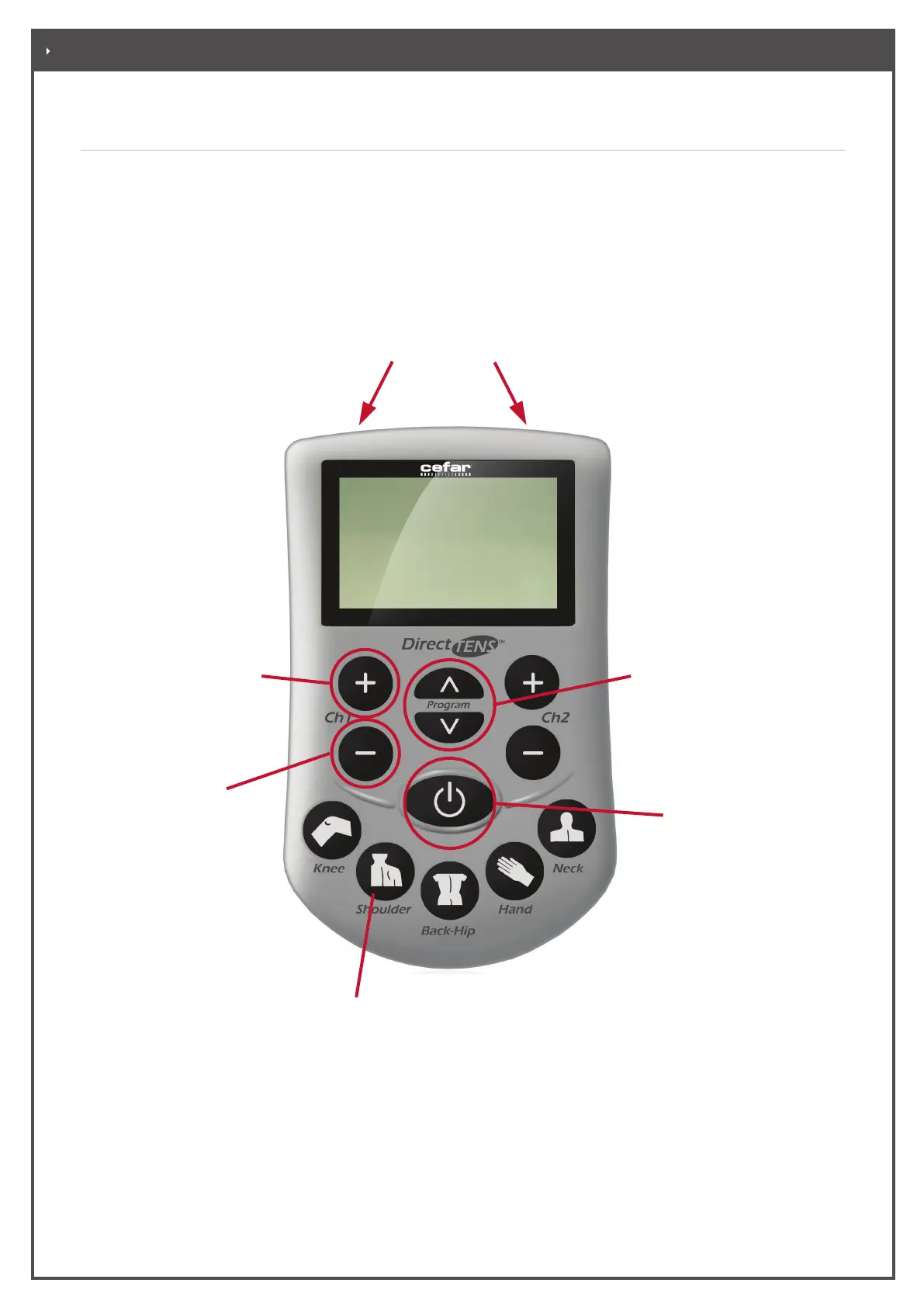
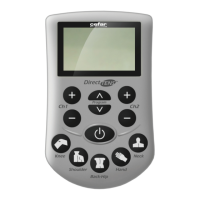
This is where you connect the electrode lead
wires.
This key are used to increase
the current and thus the
intensity of stimulation:
Increase the intensity very
carefully!
This key are used to
decrease the intensity
and to unlock the
locked keys during
operation.
This button is used to switch
the stimulator on and o. If
no stimulation is started for
approximately 5 minutes,
the stimulator automatically
switches o to save batteries.
These keys are used
to select one of the 13
programs.
These are the quick select keys
for choosing an indication-related
program.
. HOW DOES THE DIRECT TENS™ DEVICE FUNCTION


 To Next Page