16
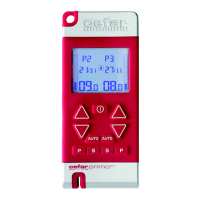
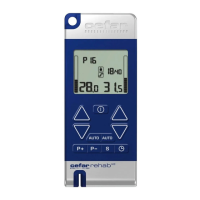
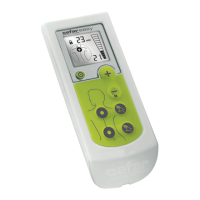
Direct TENS
™
3.1. Inserting Batteries
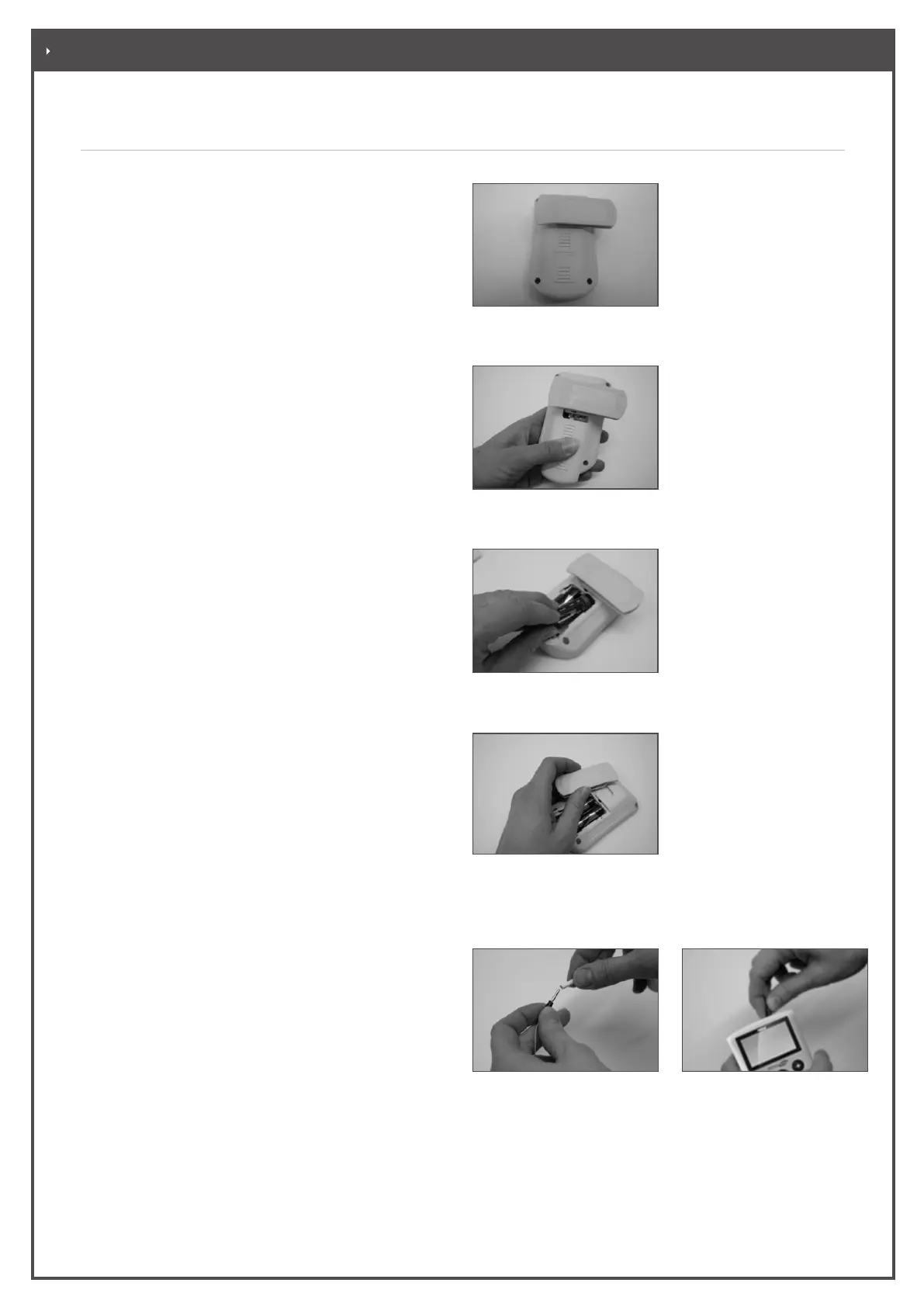
• Adjust the belt clip until it points to the right at
a 90° angle. (Figure 3-1)
• Push the battery cover down and lift. (Figure 3-2)
• Insert the batteries as shown in the illustration.
Observe the correct polarity,
see label in battery compartment. (Figure 3-3)
• Reinstall the battery cover and close the compartment.
Notes:
• Use only new AA type batteries.
• You may or may not use the belt clip, as
preferred. Open the battery compartment. If
you wish to remove the clip, pull it out towards
the left. If you wish to attach the clip, push it
into the holder from the left. When you close
the battery compartment, the belt clip is
automatically secured onto the device. (Figure 3-4)
• Dispose of the worn out batteries in accordance
with local and national regulations
3.2. Applying Electrodes, Connecting Leadwires
• First connect the electrode leadwires to the
electrodes (Figure 3-5). (The colour of the electrode
connectors is irrelevant.)
• Peel the electrodes o their protective paper.
Keep the protective paper and the bag, because
the electrodes will be reattached to the protective
paper after use and stored in the bag (see also 3.3.2
“Care of the Electrodes”).
• Carefully apply the electrodes on the skin (see also
3.3.3 “Electrode Placement”).
• Connect the electrode leadwire(s) to the Direct
TENS™ device (Figure 3-6).
Figure 3-1
Turning the belt clip
Figure 3-2
Opening the battery compartment
Figure 3-3
Inserting the batteries
Figure 3-4
Removing/attaching the belt clip
Figure 3-5
Connecting the electrode
leadwire to the electrodes
Figure 3-6
Connecting the electrode
leadwire to the device
. PREPARATION


 To Next Page