15
Direct TENS
™
Frequency Selection for Programs 9 to 13
2 – 60 Hz 60 – 150 Hz
Preferred in the treatment of chronic pain Preferred in the treatment of acute pain
With the standard TENS programs 9 to 13, the frequency can be adapted manually.
Possible settings: 2, 10, 20, 40, 60, 100, 125, 150 Hz
Factory defaults for programs 9 to 12 is 100 Hz and 125 Hz for program 13.
Changing the frequency:
1. Turn on the device and select one of the programs 9 to 13
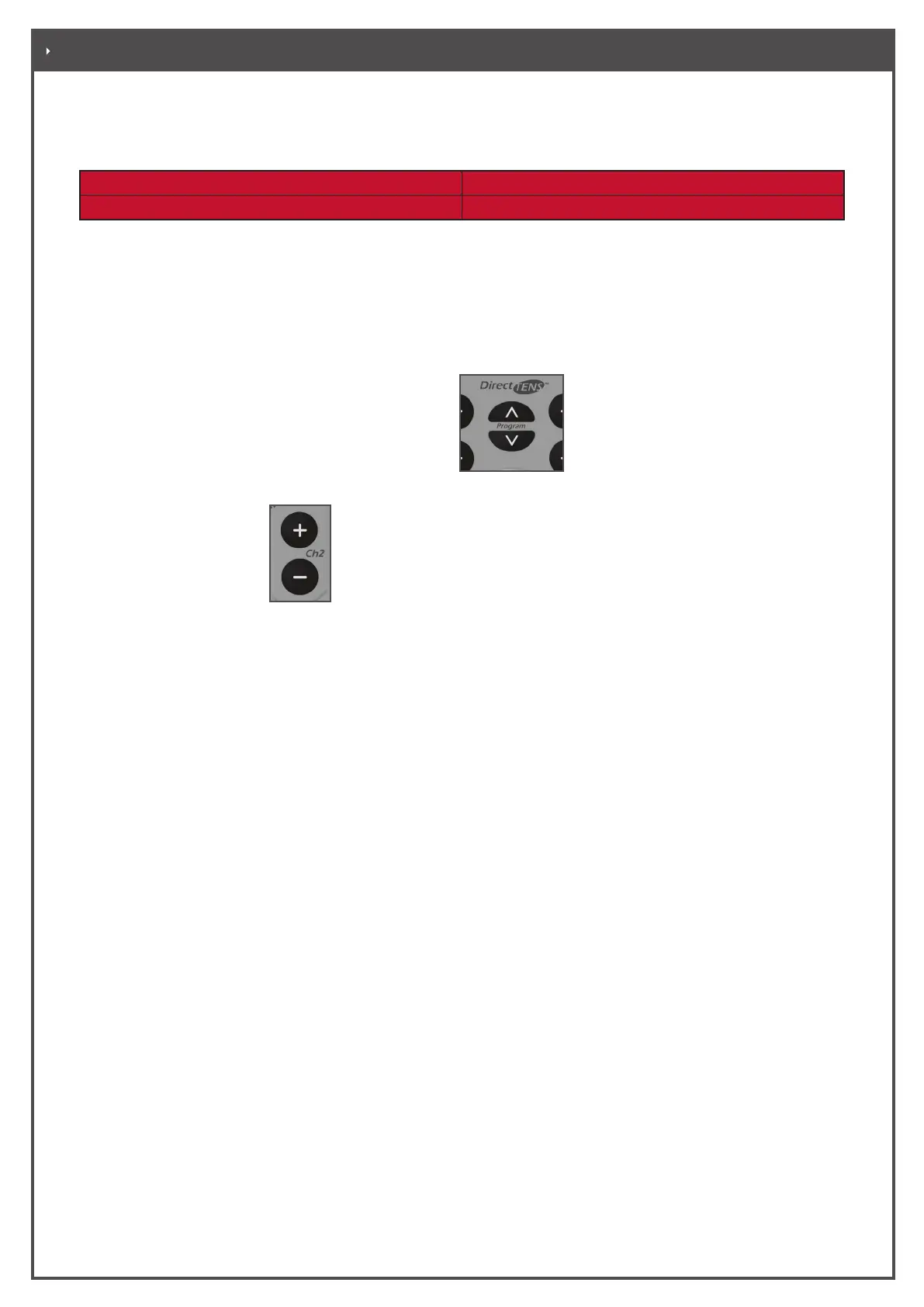
2. Simultaneously press the program selection keys and release them.
3. Using the intensity keys
, choose the set frequency.
4. Press the two program selection keys again or switch the device o to save the settings.


 To Next Page