23
Direct TENS
™
5.1. Therapy Timer
The Direct TENS™ stimulator comes with a therapy timer function. When the timer is activated, the remaining
therapy time appears on the display. When this interval has elapsed, the device switches o automatically.
You can set therapy times of:
• 1 to 59 minutes in 1-minute increments
• 1 to 24 hours in 30-minutes increments
• Continuous operation, displayed as CONT. (This is the default setting.) The timer is not activated.
Follow these steps to activate the timer:
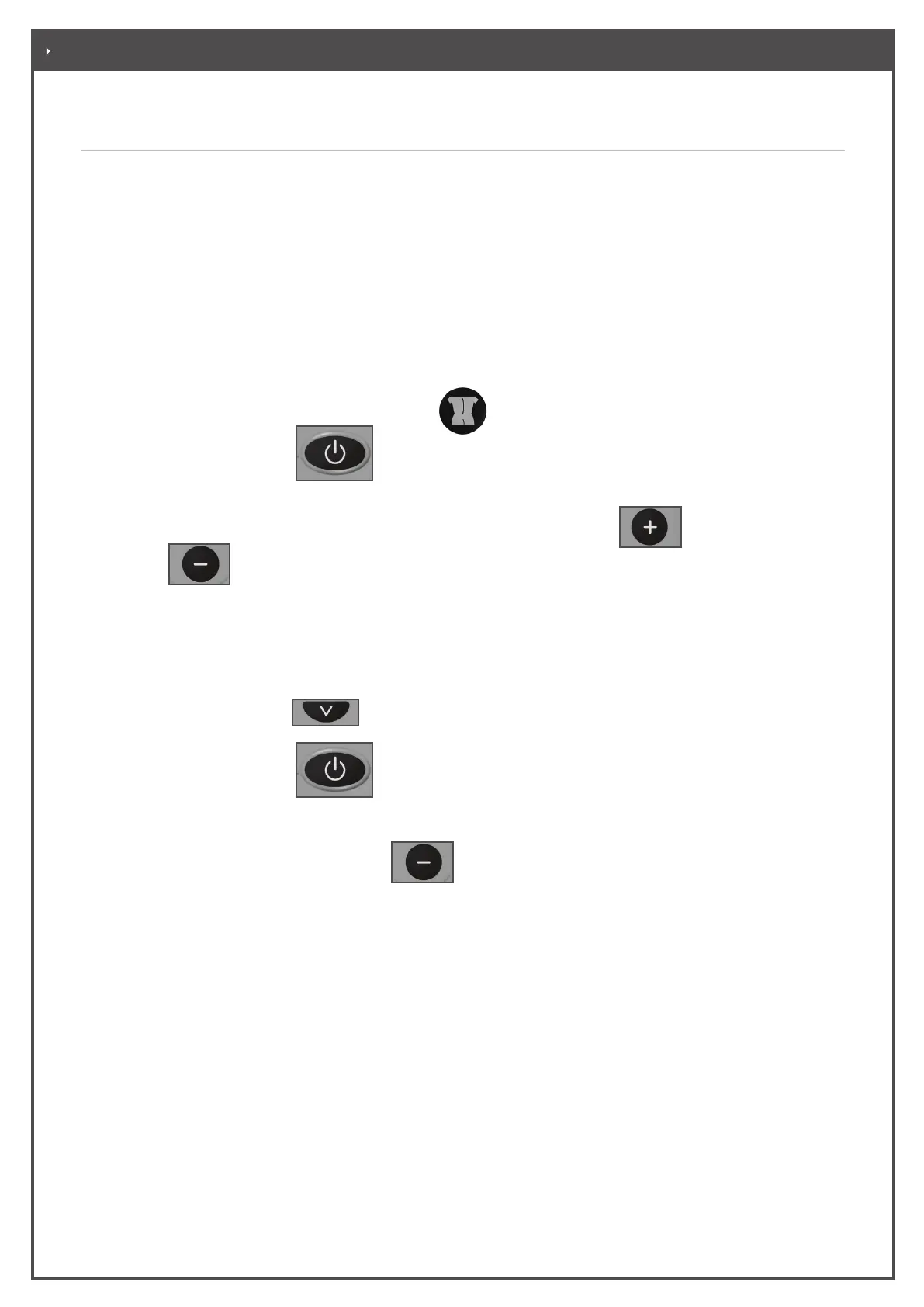
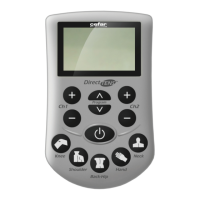
• Press the quick select program key low back/hip
and hold it depressed.
• Then press the ON/OFF key to switch the device on.
• The display indicates “Time” and the currently set therapy time (default setting: CONT.).
• Press the intensity control keys for channel 2 to set the therapy time. With
you select a longer
time, with
, a shorter time. Go back to 00:00 to get the Continuous mode (CONT.).
• To save the timer settings, turn o the stimulator. When you turn the stimulator on again, the timer setting
you saved is displayed.
5.2 Factory Defaults Settings
• Hold the program selection
key depressed.
• Then press the ON/OFF key to switch the device on.
• The display shows DATA 000 000 flashing.
• Next press the two intensity decrease keys simultaneously for channels 1 and 2 to reset the device
to the factory defaults:
– All stored data will be deleted.
– The timer function is deactivated.
– The program lock is deactivated.
– The frequency for all programs is reset to the respective default value.
– Program 9 is selected.
– The initial screen is displayed.
. SPECIAL DIRECT TENS™ FUNCTIONS


 To Next Page