21
Direct TENS
™
Additionally, icons may appear on the screen
4.1. Starting Therapy
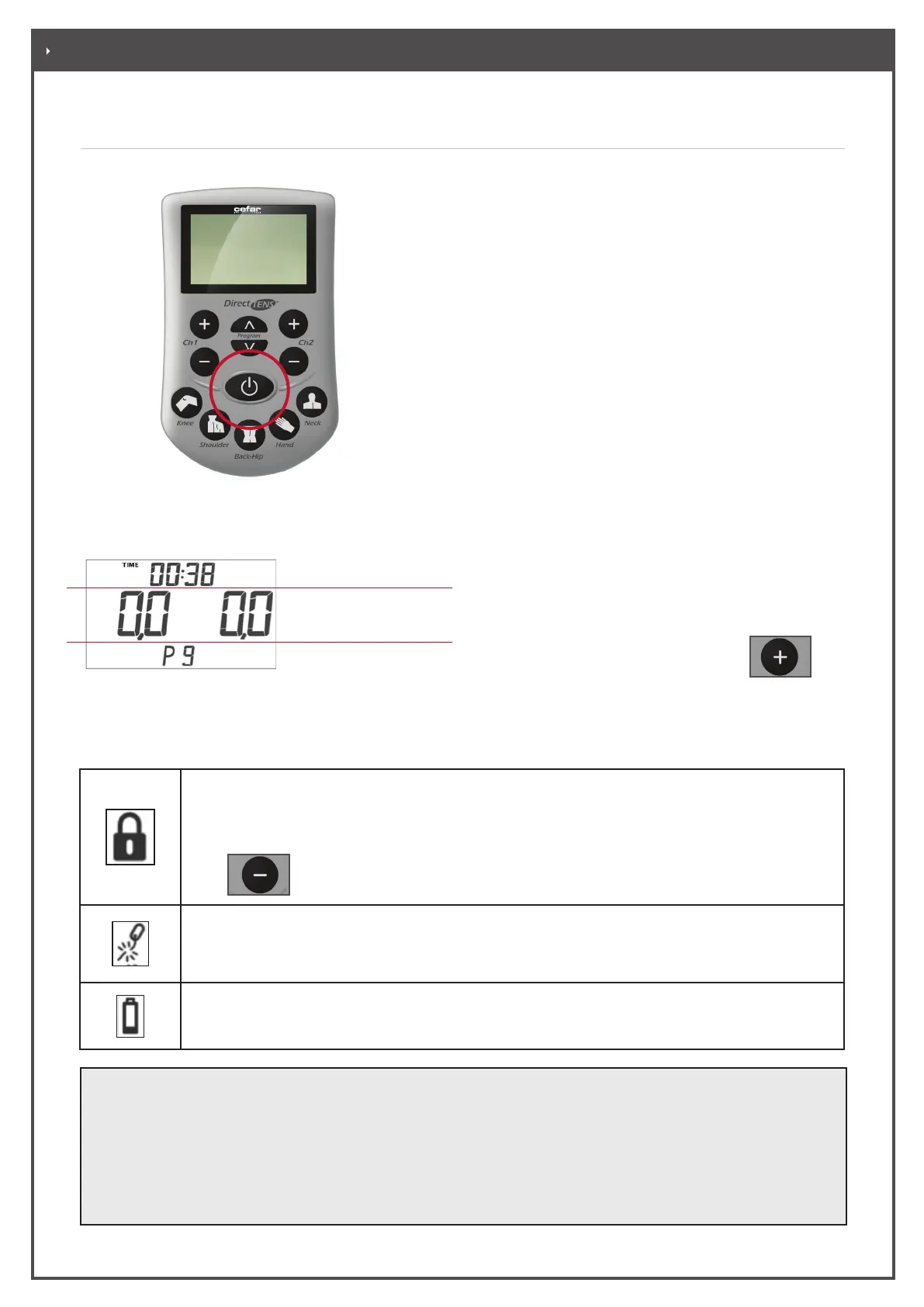
• Switch the stimulator on.
Once switched on, the display will briefly show the
software version. A functional test where all display
indicators appear for a short time is performed. The
initial screen appears next (Figure 4-2).
When the initial screen is displayed, the device has
successfully passed the functional test.
If the letter “E” is displayed instead of the initial
screen, the stimulator is defective and must be
replaced. Do not use this stimulator any more.
On the initial screen you will see:
- The remaining stimulation duration
- The intensity of the stimulation (indication of the
selected intensity level, adjustable in steps
of 0.5 from 0 to 60)
- The selected program
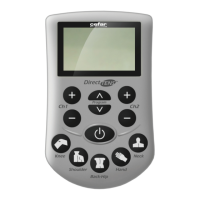
• Select the program either via the quick select keys
or via the program selection keys.
• Increase the stimulation intensity for a channel
(1 or 2) by pressing the corresponding
key.
Increase the intensity with great care and in
small increments. Select a level which causes a
pleasant sensation that is felt clearly.
Duration of the Stimula-
tion
Selected program
Stimulation Intensty
Figure 4-1 Switching the stimulator on
Operation Information
• You can interrupt therapy at any time with the ON/OFF switch.
• If the stimulator is not used, it switches o automatically after approx. 5 minutes.
• When the therapy timer is activated, the device switches automatically o at the end of the programmed
interval. The remaining therapy time is always indicated on the display.
• The program can only be changed when the intensity in both channels is 0.
Figure 4-2 Initial screen
. TREATMENT
The keys are locked (automatic function): To prevent inadvertent activation, the keys are
automatically locked 10 seconds after the current intensity has been set. The keys can be
unlocked
with
or by switching the device o.
The electric circuit is interrupted (see chapter 6 “What to do, if...)
Batteries need to be replaced. When you see this icon, replace the batteries as soon as possible.


 To Next Page