31
EN
NewTom GO 2D/3D - TECHNICAL MANUAL
EN
PC CONFIGURATION
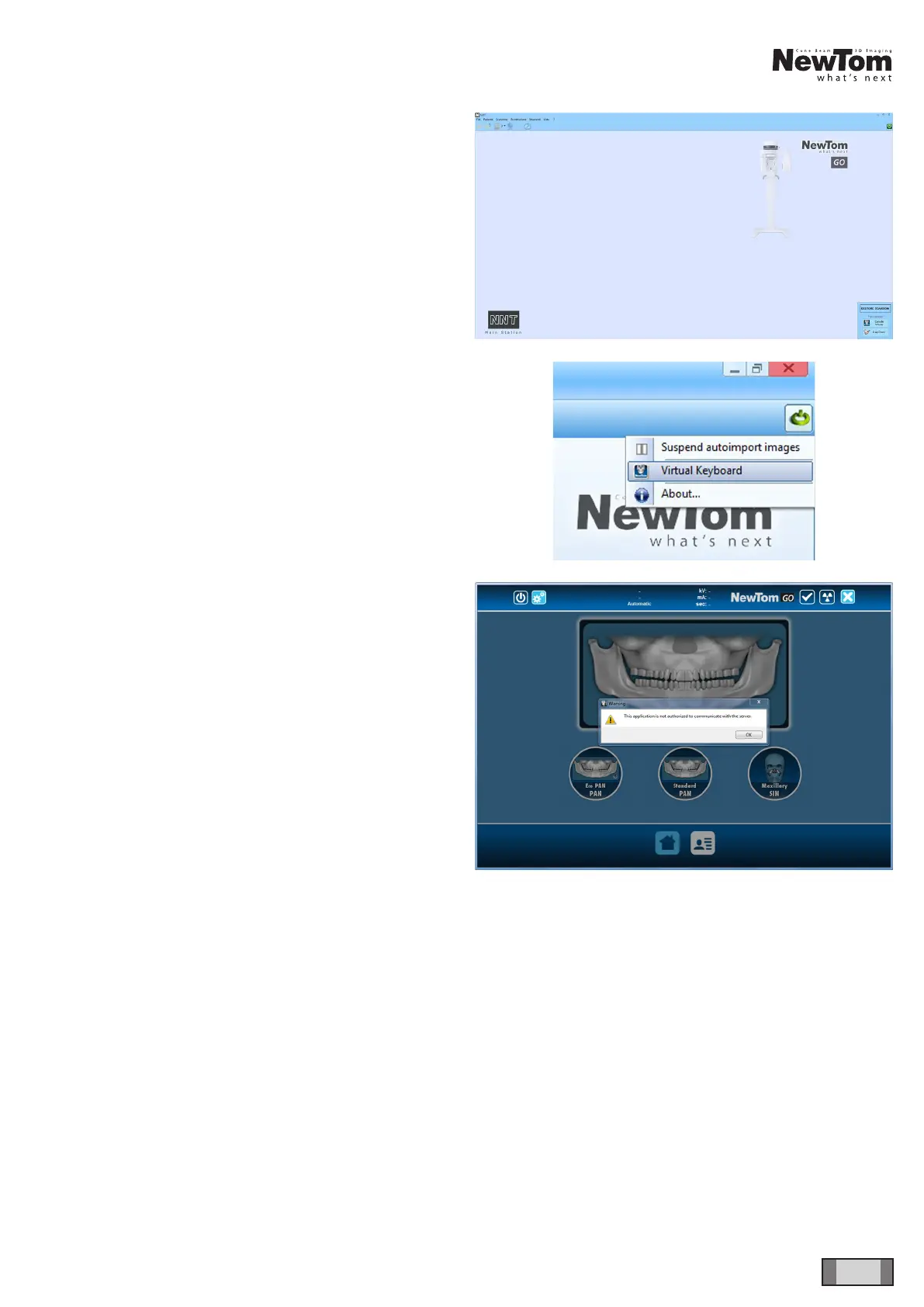
After saving the settings, the following NNT display will
appear.
Click on the button in the top right corner and select the
virtual keyboard from the menu:
Upon rst launch, the virtual keyboard will display the
following message.



 To Next Page