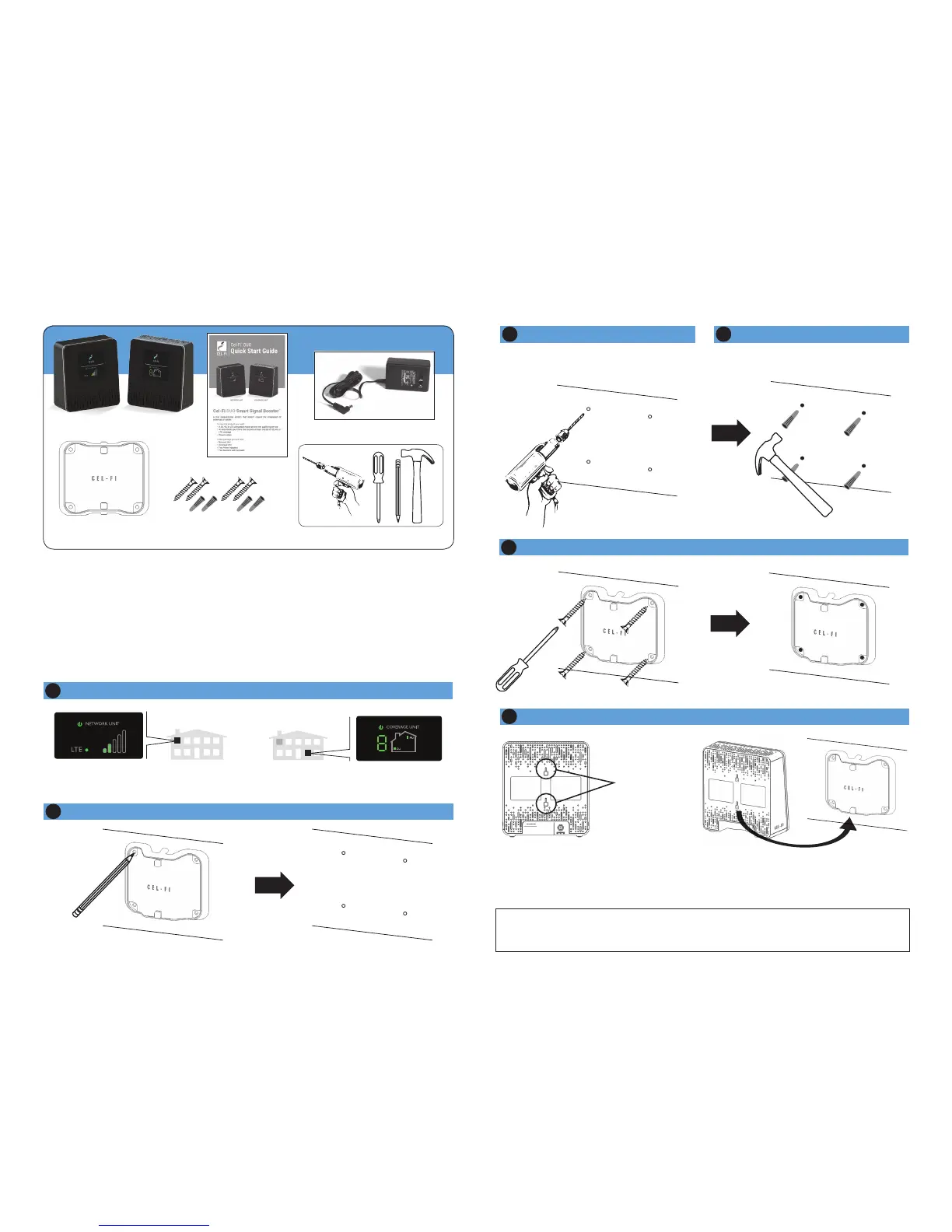
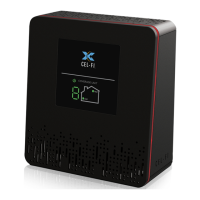
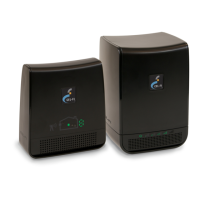
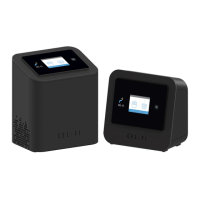
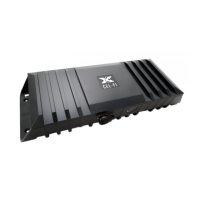
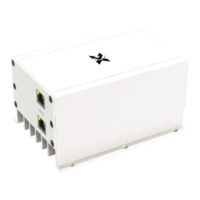
Each Cel-Fi device may be supplied with mounting brackets and hardware to
mount both (or either) the Coverage Unit and the Network Unit.
NOTE: The brackets come equipped with screws and inserts for mounting
in standard drywall. Before you install the mounts, make sure there are no
wires or other objects, or metal plates, behind the drywall layer that will
interfere with the inserts, screws, mount, or mounted units.
Mounting Instructions
2
Determine Mounting Hole Locations
3
Drill Anchor Holes (Drywall)
4
Install Anchors (Drywall)
In each marked spot, use a 3/16” drill bit to drill guide holes for the anchors.
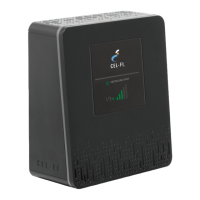
COVERAGE UNIT
USER INTERFACE
NETWORK UNIT
USER INTERFACE
1
Determine Cel-Fi Device Location (refer to other side)
5
Install Mounting Bracket
Figure 1
Back view with mounting holes.
Figure 2
Backside of unit ts onto bracket hooks.
MOUNTING
HOLES
6
Attach the Cel-Fi Unit to the wall mounted bracket
REQUIRED HARDWARE
Network Unit Coverage Unit
Mounting
Brackets (2)
Screws (4)
Drywall Anchors (4)
Quick Start Guide
Power Adapters (2)
CONTENTS IN THE BOX
IMPORTANT: Your Cel-Fi DUO Signal Booster is electronic equipment. Both
units must be kept indoors and in a dry, cool, well ventilated area.


 To Next Page