9
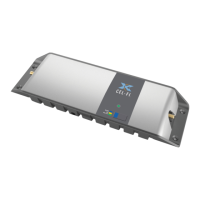
Understand How The Go X Works
04
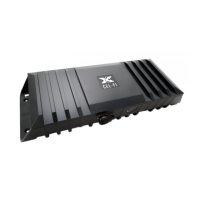
The GO X “Searches” For Signal
Unlike other boosters, the GO X doesn’t blindly amplify every frequency. Instead, it searches
for, and then amplies, the best signal available for your carrier.
At any given time, the GO X can amplify up to two frequency bands.
In the Wave mobile app, you can watch in the “Advanced” tab as it scans the frequencies on
different bands to nd the best signal to amplify.
Anytime you power-cycle the GO X, change the band settings, or change the operator, it will
restart scanning to nd the best signal. The GO X starts scanning as soon as you unplug the
outdoor antenna cable. To make sure it scans all frequencies, restart the GO X anytime you
disconnect and then reconnect the outdoor antenna.
Activity Lights
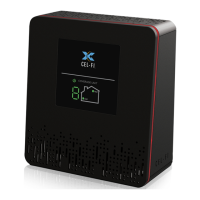
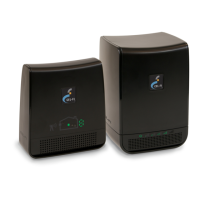
A small light on the GO X ashes to indicate the current status.
Solid Green:
The GO X has found the best band is amplifying.
Blinking Green:
The GO X is scanning for networks to boost.
Blinking Red:
The unit is in an error condition. Check the app for more information.
Solid Red:
If the status light remains red, the device has a hardware issue. Call us for a
replacement.
Boot-up Sequence
On rst being plugged in, the GO X activity light will start solid red, then ash red, then
move on to blinking green as it starts scanning the cellular frequency bands. Finally, once it's
found signal to boost, it will switch to solid green.


 To Next Page