Picture Setting
This selection will allow you to
view a picture with an original
4:3 aspect ratio. Black bars will
appear on both the left and right
of the screen.
This selection will allow you to
view a picture with an original
4:3 aspect ratio. Black bars will
appear on both the left and right
of the screen.
This selection will allow you to
view a picture with an original
4:3 aspect ratio. Black bars will
appear on both the left and right
of the screen.
This selection will allow you to
view a picture with an original
4:3 aspect ratio. Black bars will
appear on both the left and right
of the screen.
This selection will allow you to
view a picture with an original
4:3 aspect ratio. Black bars will
appear on both the left and right
of the screen.
This selection will allow you to
view a picture with an original
4:3 aspect ratio. Black bars will
appear on both the left and right
of the screen.
This selection will allow you to
view a picture with an original
4:3 aspect ratio. Black bars will
appear on both the left and right
of the screen.
This selection will allow you to
view a picture with an original
4:3 aspect ratio. Black bars will
appear on both the left and right
of the screen.
This selection will allow you to
view a picture with an original
4:3 aspect ratio. Black bars will
appear on both the left and right
of the screen.
This selection will allow you to
view a picture with an original
4:3 aspect ratio. Black bars will
appear on both the left and right
of the screen.
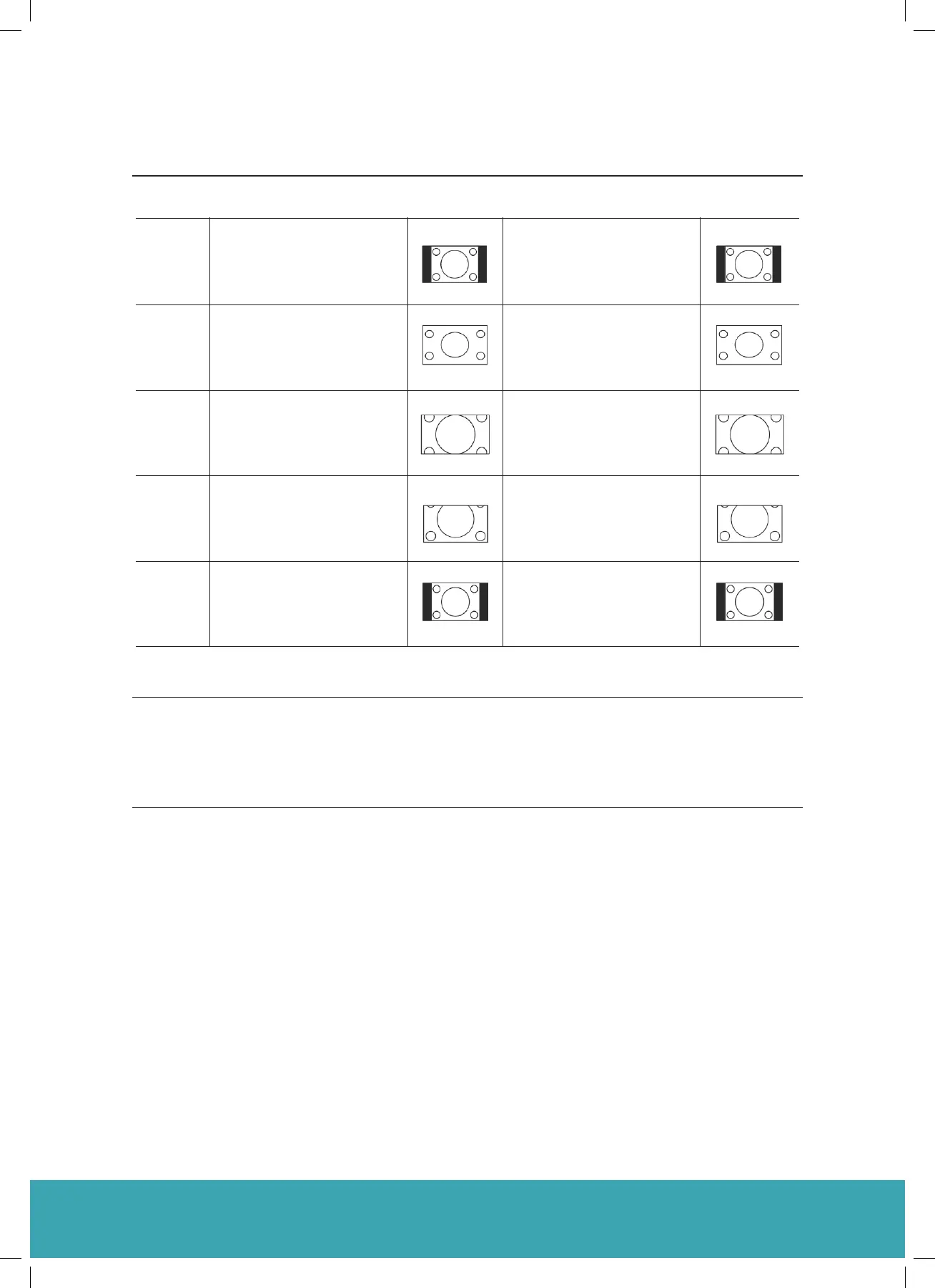
4:3
16:9
Zoom1
Zoom2
Just scan
(in HDMI
mode
only)
Noise
Reduction
Press the ◄► buttons to select to reduce the noise level of the connected
device: Off / Low / Middle / High and then press the Menu button to confirm.
3. Press the Menu button to return to the previous menu. Press the Exit button to exit the menu.
C1624FS Instruction Book
15



 To Next Page