OSD Language
This is used to select the OSD language.
Screen Saver
Start the screen saver, the screen saver image will appear when the player stops or the picture is paused
for a few minutes. This saver can keep the screen from being damaged.
• ON (start the screen saver)
• Off (Turn off the screen saver)
Last Memory
This setting enables you to watch the DVD from the last point it was turn off, (for example changing the
source to watch TV) ON (Activate the lastmemory function)
Off (Deactivate the lastmemory function)
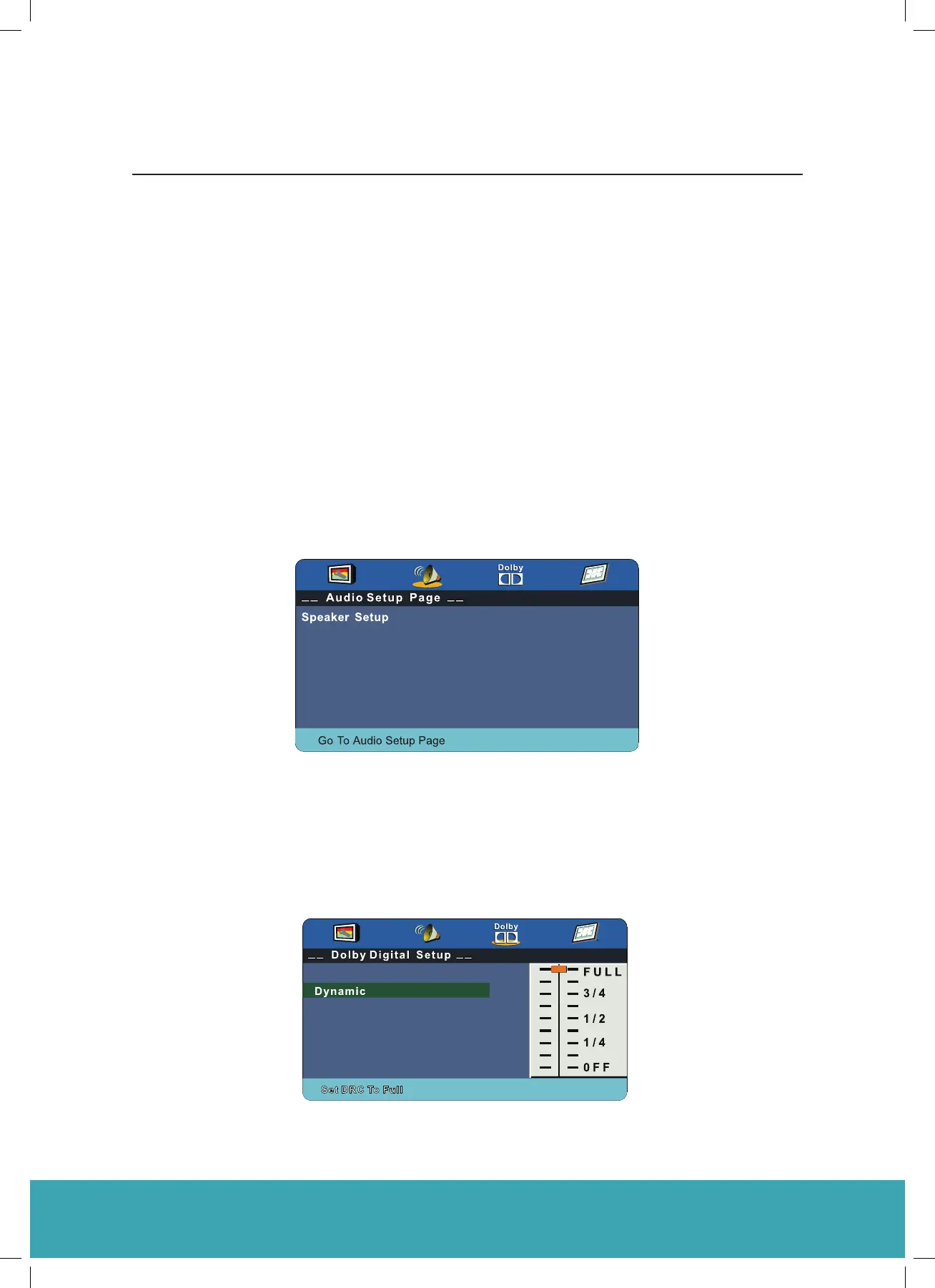
Audio Setup
• Speaker Setup
In the Audio Setup page press the (▼) button to select the Speaker Setup option, then press OK on the
remote control to see the Speaker Setup options.
Downmix
• LT/RT A disc recorded multi channel soundtrack, the output signal will be incorporated to left and right
• Stereo A disc recorded multi channel soundtrack, the output signal will be incorporated to stereo.
Dolby Digital Setup
Dynamic
This option is used to set the compression ratio in order to control the sound (Volume) contrast.
C1624FS Instruction Book
31



 To Next Page