30
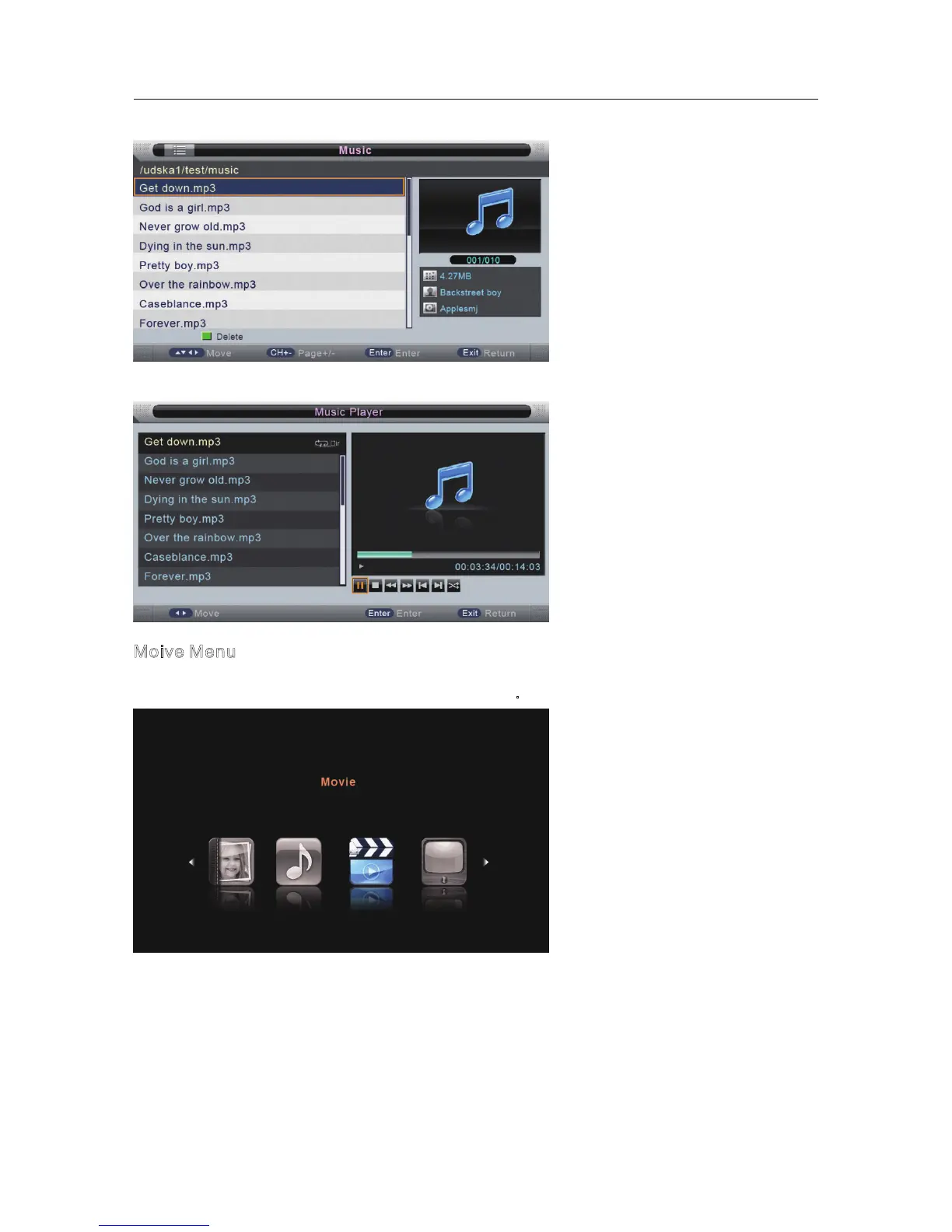
You can see the information of the current playing sonny at the left of the menu.
Moive Menu
Press button to select Movie in the main menu, then press ENTER button to enter.
Press EXIT button to return back to the previous menu.
◄/►
Press button to select the folder that you want to view.
Press ENTER button to select the sub folder.
▼/▲



 To Next Page