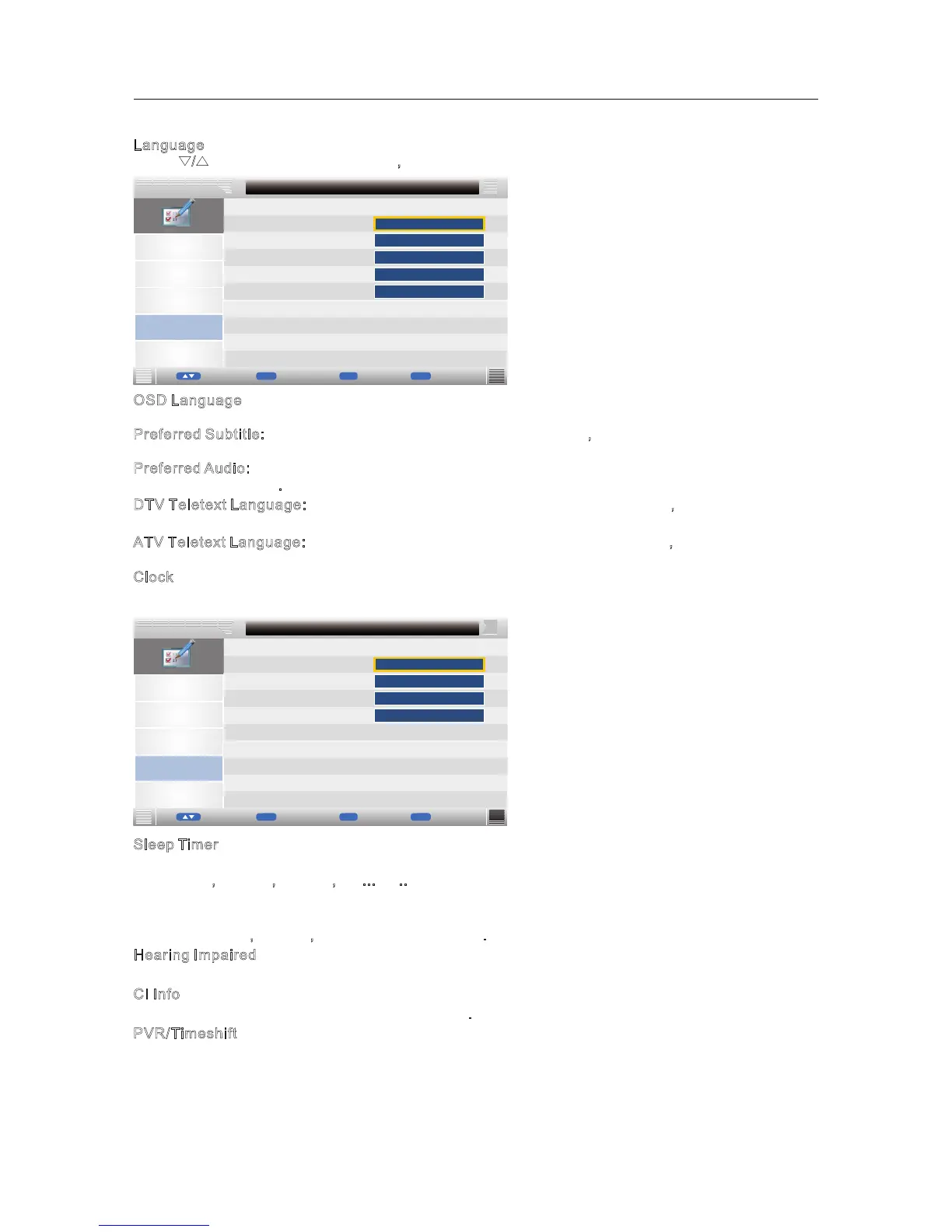
OSD Language
▼/▲ button to adjust.
P
referred Subtitle: Press ▼/▲ button to select Preferred Subtitle, then press OK or ► enter and
press ▼/▲ button to adjust.
P
referred Audio: Press ▼/▲ button to select Preferred Audio, then press OK or ► enter and press
▼/▲ button to adjust.
DTV Teletext Language: Press ▼/▲ button to select T T t Language, then press OK or ►
enter and press ▼/▲ button to adjust.
A
TV Teletext Language: Press ▼/▲ button to select ATV Teletext Language, then press OK or ►
enter and press ▼/▲ button to adjust.
C
lock
Press ▼ / ▲ button to select Clock, then press OK button or ► button to enter submenu.
:Press ▼/▲ button to select OSD Language, then press OK or ► enter and press
D V ele ext
Picture
Sound
Channel
Setup
Date
Time
Time Zone
Feature - Language
Feature
01/01/2011
08:08
DST
►
►
►
►
Auto
On
MENU
Enter
Return
Move
ok
OK
Ex
it
Exit
Sleep Timer
▼ ▲ Sleep Timer ▼ ▲
the 15Mins,
30Mins, 45Mins,Off ...etc..
Auto Standby
Press ▼/▲ button to select Auto Standby, then press OK or ► enter and press ▼/▲ button to
select the 1Hour,
2Hours,3Hours 4Hours and .
Hearing Impaired
Select the On/Off.
C
I Info
Display the Common Interface card information.
PVR/Timeshift
Press / button to select , then press OK or ► enter and press / button to select
, Off
This function is only available under DTV mode and includes Record, Timeshift and playback functions.
Picture
Sound
Channel
Setup
OSD Language
Preferred Subtitle
Preferred Audio
Feature - Language
Feature
English
English
DTV Teletext Language
West
Language
Press ▼/▲ button to select Language, then press OK button or ► button to enter submenu.
ATV Teletext Language
►
►
►
►
►
English
English
MENU
Enter
Return
Move
ok
OK
Exit
Exit
25



 To Next Page