4
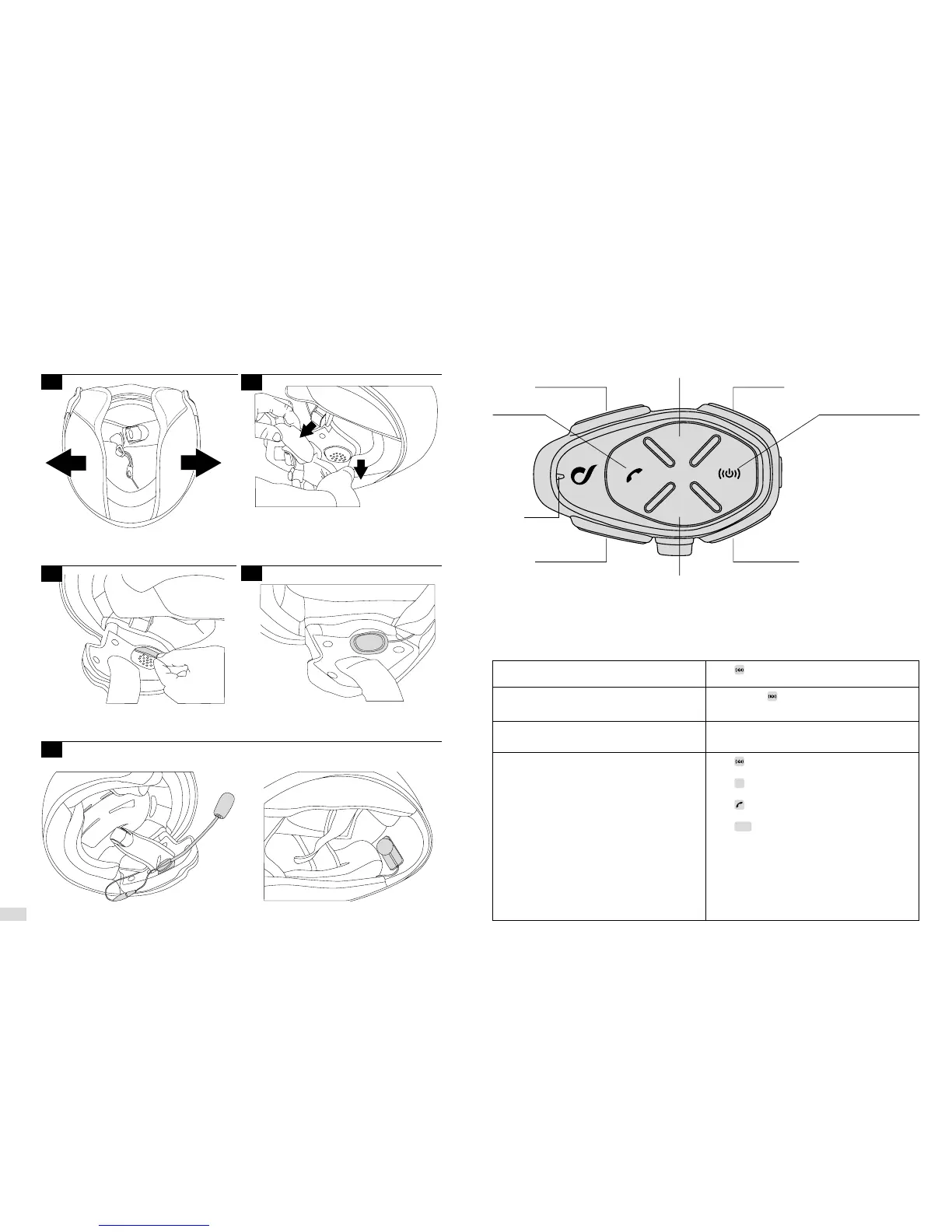
Follow the sequence shown in the figures below for installation of the components.
2.2 Main commands
Locate the area in correspondence
with the ear
If possible, remove the two
cushions or padding
Position the strips of Velcro
for the speakers
Filp-up/jet helmet Full face helmet
Choose the microphone to use:
Place the speakers
1
3
2
4
5
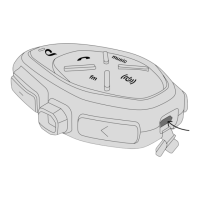
Phone
Bluetooth Unit
Volume +
Volume -
Led
Music
FM Radio
Up (<)
Down (>)
Intercom / On-O
Power On
Press until the blue LED comes on
Power Off
Hold pressed until the red LED comes on and
the device turns off
Press the buttons “Volume +” to increase and
“Volume –” to decrease the volume.
Intercom, FM radio, phone and music functions
Press to directly activate (or deactivate) the
intercom communication.
Press
to directly activate (or deactivate) FM
radio.
Press to directly access the functions of the
phone.
Press
to directly activate (or deactivate) the
playing of music.
These commands are via direct access. It is
therefore possible to move from one function to
another with the pressing of a button. It is not
necessary to disable a function before moving
on to another.


 To Next Page