8
TOUR Interphone can be connected to Bluetooth
®
devices, such as mobile phones, GPS and MP3 players.
Every TOUR Interphone can be connected simultaneously to up to two Bluetooth
®
devices (with the
exception of using the three- or four-unit INTERCOM function as described in Chap. 4.3/4.4).
5.1 Pairing
Before starting use of TOUR Interphone with these devices, it is necessary to perform pairing of the
various devices. This process need only be performed once. Subsequently TOUR Interphone will auto-
matically recognise the devices previously paired and will automatically connect.
Pairing procedure
1) Activate the Bluetooth
®
function on the phone/GPS/MP3 (refer to the device manual for further de-
tails).
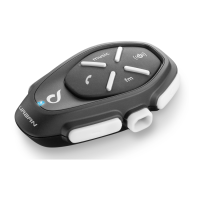
2) With TOUR Interphone in Standby mode (BLUE LED flashing), press together the buttons
+
+ for
3 seconds to activate “PAIRING mode” (BLUE and RED flashing).
3) Start searching for new Bluetooth
®
devices on the mobile phone / GPS / MP3 reader
4) After a few seconds the device will show “F6T”. Select this option.
5) If prompted for a PIN or code, enter 0000 (four zeros).
6) The voice guide will confirm successful pairing with the message “SUCCESSFUL PAIRING, CONNECTED
TO THE PHONE”. The device will go into Standby mode (blue LED flashes twice every 3 seconds).
7) If the Bluetooth
®
device requires authorisation to access the list, provide confirmation.
To pair a second device, repeat the procedure from step 1).
As specified in section 2.8, a phone call has the highest priority than any other TOUR INTERPHONE fun-
ction. In case of receipt of a phone call use the commands shown in the following table:
In case of an incoming call, press the button
or say a word out loud (voice activated response
Chap. 3.1)
To end a call press the button or wait for the
other person to end the call.
Press to activate the voice call
Press the button until the beep (1.5 seconds)
to redial the last number.
Press the button until the second beep (3
seconds) to call the number set.
TOUR Interphone has a telephone conference function. During a phone call it is possible to add a pre-
viously paired intercom (Chap. 4.1).
“Call sharing” is disabled by default. To enable it, refer to “Chapter 3-SETTINGS”.
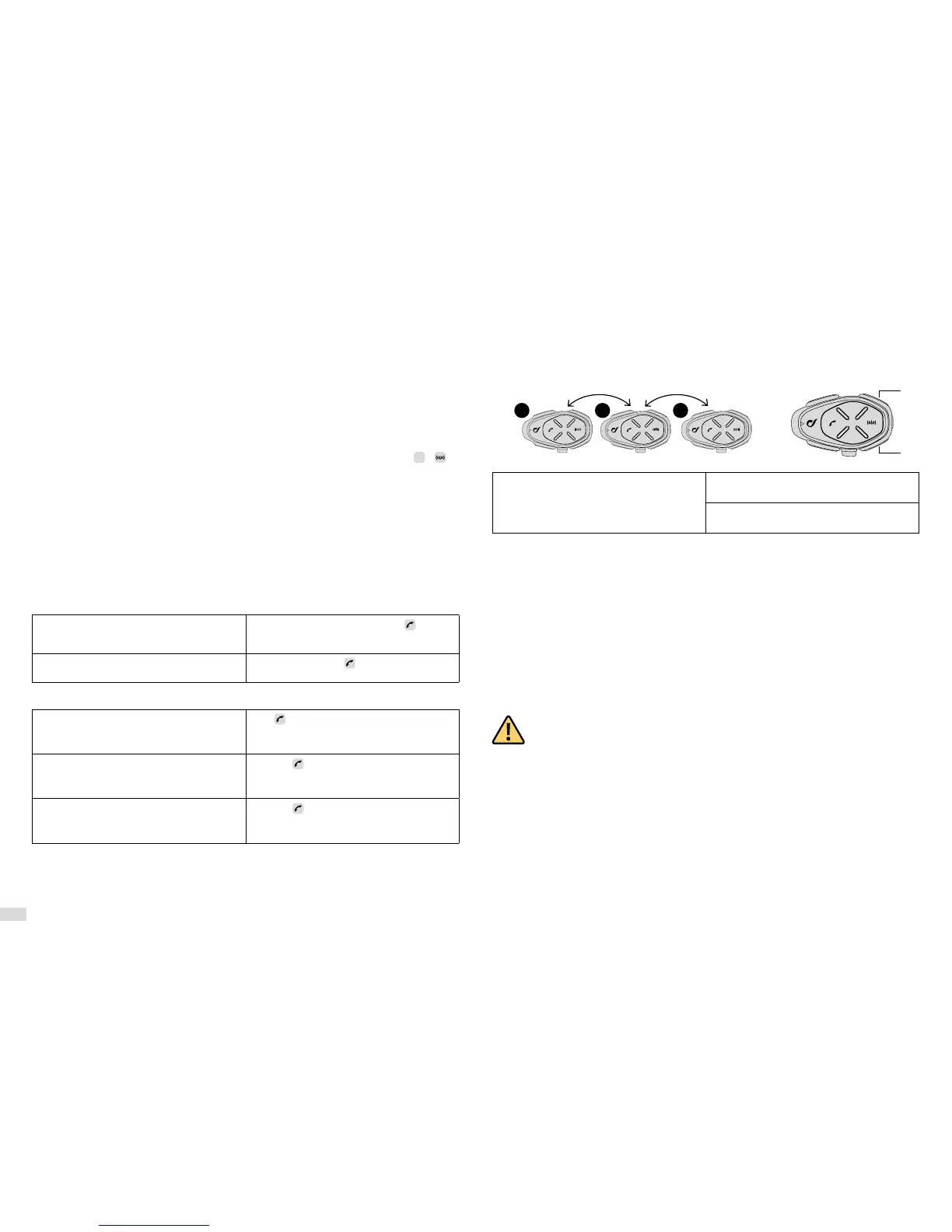
Press the UP button until the second beep to
start/stop sharing with unit no. 3.
Press the DOWN button until the second beep to
start/stop sharing with unit no. 1.
5.4 Warnings and tips for using the phone
If two different mobiles are connected at the same time, the functions “Redial last number” and “Voice
call” may only be used by the first phone connected.
An Internet connection on the mobile phone may be needed to use the “Voice call”.
The “Voice call” function may not be supported by your mobile phone (refer to your device manual for
further details).
5.5 GPS
After pairing the TOUR Interphone to the GPS (Chap. 5.1) it is possible to hear the voice prompts sent
by the navigator. During the intercom communication the GPS (if fitted) will interrupt the conversation
whenever it is necessary to transmit a voice prompt.
ensure the GPS is compatible with the Bluetooth
®
headsets. Consult the GPS user
manual for further information.
TOUR Interphone uses the Bluetooth
®
HFP profile to manage the connection to a GPS unit.
Navigators integrated within smartphones use the A2DP profile to send route directions. This profile
does not allow interruption of the intercom conversation.
Navigators sold for use in cars are NOT usually equipped with Bluetooth
®
HFP. For that reason they
cannot transmit voice prompts to Bluetooth
®
headsets. Consult the GPS user manual for further infor-
mation.
1 2 3


 To Next Page