PI100 SERIES
49TPI10EN04 8
6. PARAMETER
6.1. PARAMETER SETTINGS
6.1.1. Enter Into the Menu
• Turn on the scale. Press and hold key during the self-test.
• Display will show “pn” briefly if the pin is activated. Press the pin number to get into the
parameter menu.
• The default pin number is “0000”
• Press numeric key 0 four times , display will show pn - - - -
• Press key to confirm, it will enter into the parameter settings and will show “ f0 cal”.
6.1.2. Enter to Selected Menu
• Press , it can confirm which will be displayed.
6.1.3. Select the Menu
• Press or . It can choose menu block one by one.
6.1.4. Return to Weighing Mode
• Press to escape from the menu and exit to weighing mode
6.1.5. Activate Approved Type Parameters
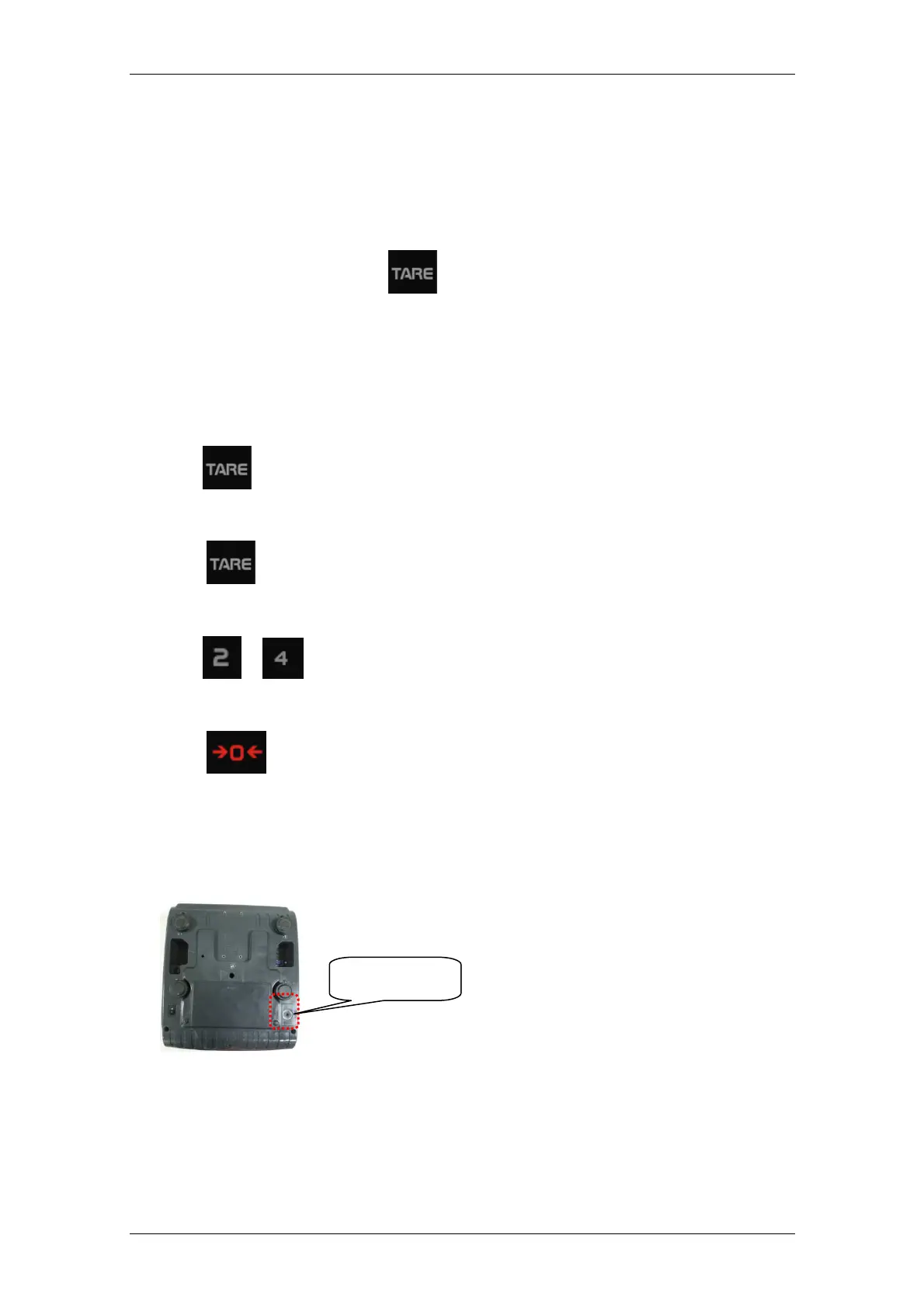
• Press CAL switch to enable access and change any parameter. CAL switch is located in the
bottom of the scale
CAL SWITCH


 To Next Page