Safety
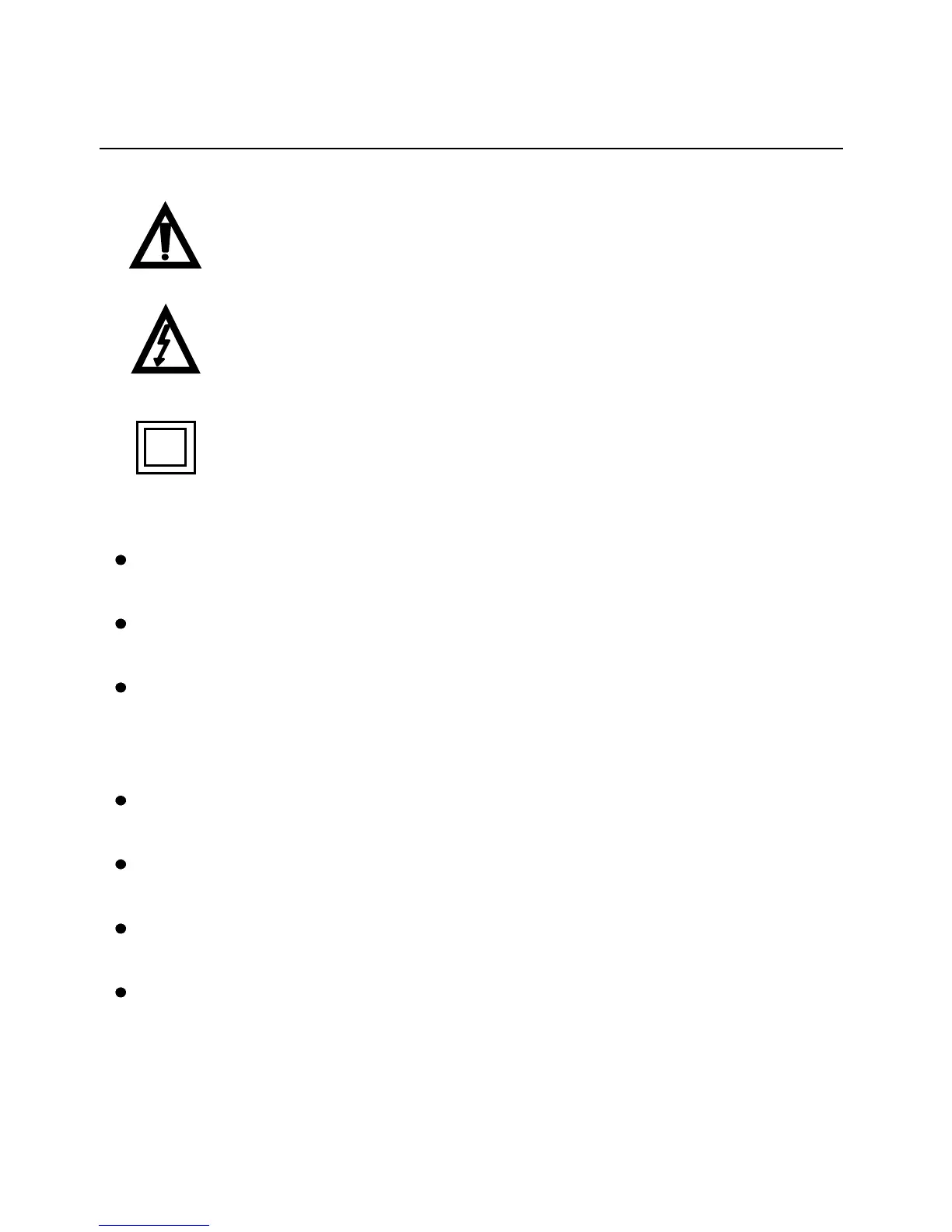
International Safety Symbols
This symbol, adjacent to another symbol or
terminal, indicates the user must refer to the
manual for further information.
This symbol, adjacent to a terminal, indicates that,
under normal use, hazardous voltages may be
present
Double insulation
SAFETY NOTES
Do not exceed the maximum allowable input range of
any function
Do not apply voltage to meter when resistance function
is selected.
Set the function switch OFF when the meter is not in
use.
WARNINGS
Set function switch to the appropriate position before
measuring.
When measuring volts do not switch to
current/resistance modes.
When changing ranges using the selector switch always
disconnect the test leads from the circuit under test.
Do not exceed the maximum rated input limits.
CAUTIONS
Improper use of this meter can cause damage, shock, injury
or death. Read and understand this user manual before



 To Next Page