6
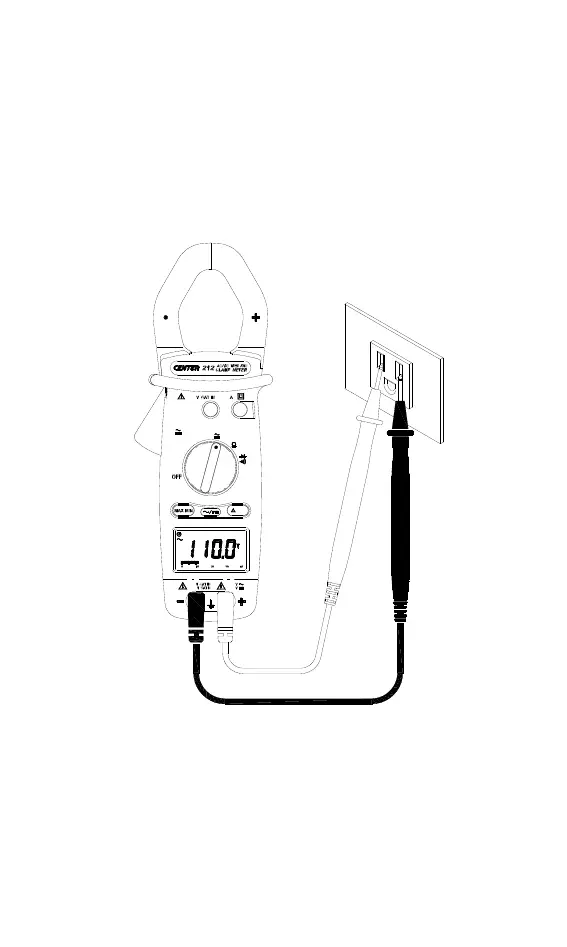
4.2 Voltage measurement:
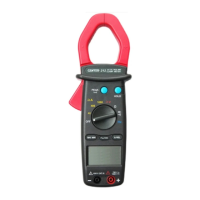
Switch the main function selector to voltage range.
Connect red test lead to “+” terminal and black one to the “ COM ”
terminal. Choose AC or DC by pressing the AC/DC button.
Measure the voltage by touch the test lead tips to the test circuit
where the value of voltage is needed.
Read the result from the LCD panel.
1000
400
40
600
1mS
PEAK
A
V
Hz
REL
1000
HOLD
600
1000
600V
600
1000
ACV measurement


 To Next Page