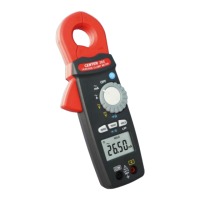
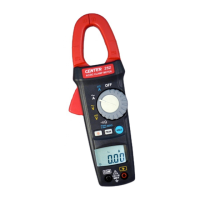
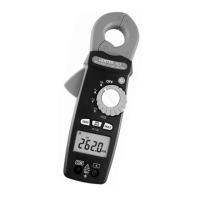
MINI CLAMP METER Instruction Manual
10
4.5 Resistance measurement:
Switch the function selector to
range.
Connect red test lead to “+” terminal and black one to the
“ COM ” terminal.
Connect tip of the test leads to the points where the value
of the resistance is needed.
Read the result from the LCD panel.
Note:
When take resistance value from a circuit system, make
sure the power is cut off and all capacitors need to be
discharged.
COM
600V
300V CAT III
600V CAT II
600V CAT II
300V CAT III
600A
HOLD
PEAK
Press
2 Sec
OFF
V
A
V
A
ZERO



 To Next Page