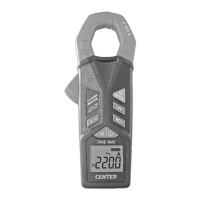
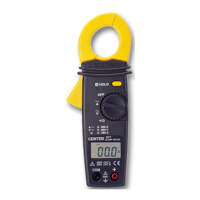
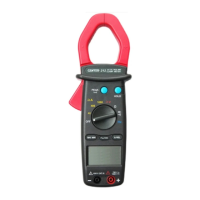
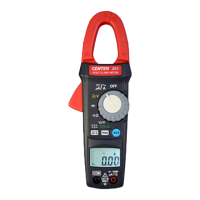
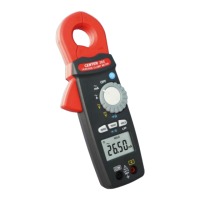
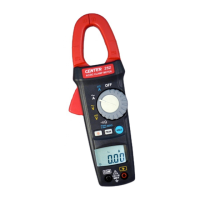
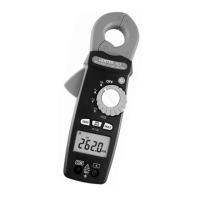
MINI CLAMP METER Instruction Manual
5
○
1
Current Sensing Clamp ○
6
Positive input terminal
○
2
Safety protection ring ○
7
Function select dial
○
3
Clamp opening handle ○
8
Peak / Data hold button
○
4
LCD display ○
9
Zero button
○
5
COM input terminal
Button Instruction:
Zero Button
Press Zero button to enter the Zero mode, “
△” annunciate
turn on and Zero the display and the reading is stored as
reference value for subsequent measurement.
Press it again, to exit the zero mode.
Data Hold & Peak Hold Button
The user may hold the present reading and keep it on the
display by pressing the “Hold ” button.
When the hold data is no longer needed, one may release
the data-hold operation by press “ Hold “ button again.
One may hold present reading by press the hold button
instantaneously. One may also change the peak hold
function by press and hold the “ PEAK ” button. When the
symbol display, the user should release the button and
function will stay at the peak hold mode. If the user press
and hold the button for more than 2 seconds, the tester will
be in normal mode again.
Note:
This meter is built with peak hold function at ACA,
DCA, ACV, DCV ranges.
Disable Auto power off
Press and hold “ ZERO ” button and then the power on the
meter, the symbol will disappear.



 To Next Page