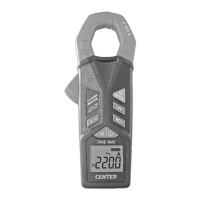
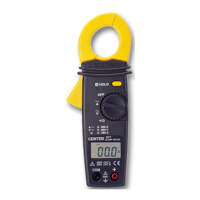
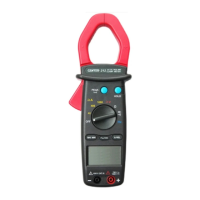
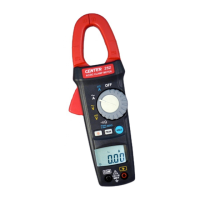
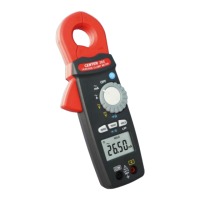
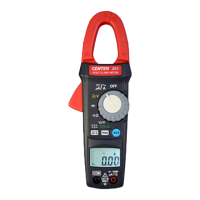
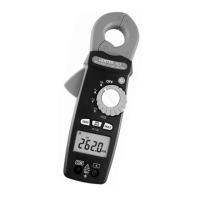
TRMS Clamp Meter
8
7. BATTERY CHANGING
(1) When the battery voltage drop below proper operation range the
symbol will appear on the LCD display and the battery
needs to be changed.
(2) Before changing the battery, switch the main dial to “OFF ”and
disconnect test leads.
(3) Open the back cover by an appropriate tool.
(4) Replace the old battery with new 3V (CR2032) battery.
(5) Close the Battery cover .
8. MAINTENANCE
WARNING!
Before open the meter, disconnect both test lead and never
uses the meter before the cover is closed.
CAUTION!
To avoid contamination or static damage, do not touch the
circuit board without proper static protection.
8-1 REMARK:
(1) If the meter is not going to be used for a long time, take out the
battery and do not store the meter in high temperature or high
humidity environment.
(2) When take current measurement, keep the cable at the center of
the clamp will get more accurate test result.
(3) Repairs or servicing not covered in this manual should be
performed only by qualified personal.
8-2 CLEANING:
Periodically wipe the case with a dry cloth.
Do not use abrasives or solvents on these instruments.



 To Next Page