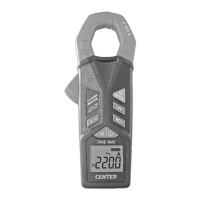
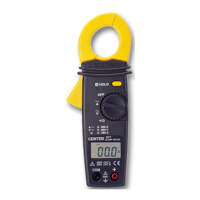
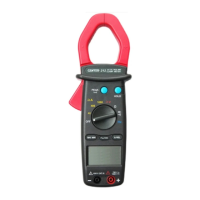
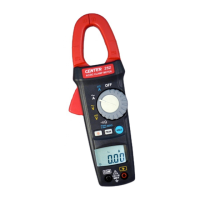
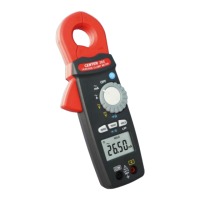
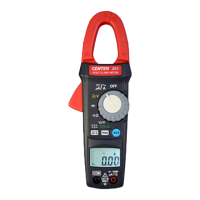
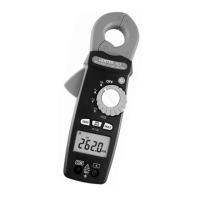
TRMS Clamp Meter
5
5. BUTTON INSTRUCTION
5-1 HOLD Function
It is possible to freeze the value displayed by pressing on the
"HOLD" button. To deactivate this function, press the "HOLD"
button a second time.
5-2 MIN/MAX Function
Press the MIN/MAX button to enter the Min/Max mode. Press the
MIN/MAX button, to read Max, Min, and current reading in sequence.
Press the MIN/MAX button for 2 seconds, to exit the Min/Max mode.
5-3 AC/DC Voltage Select and / Select Button
Press button to select function.
To select function AC or DC in Voltage range.
To select continuity or Resistance in range.
6. MEASURING INSTRUCTION
6-1 AC Voltage Measurement:
Switch the main function selector to
range.
Connect red test lead to“+” terminal and black one to the
“COM”terminal.
Measure the voltage by touch the test lead tips to the test circuit
where the value of voltage is needed.
Read the result from the LCD panel.



 To Next Page