Data Logger Instruction Manual
5
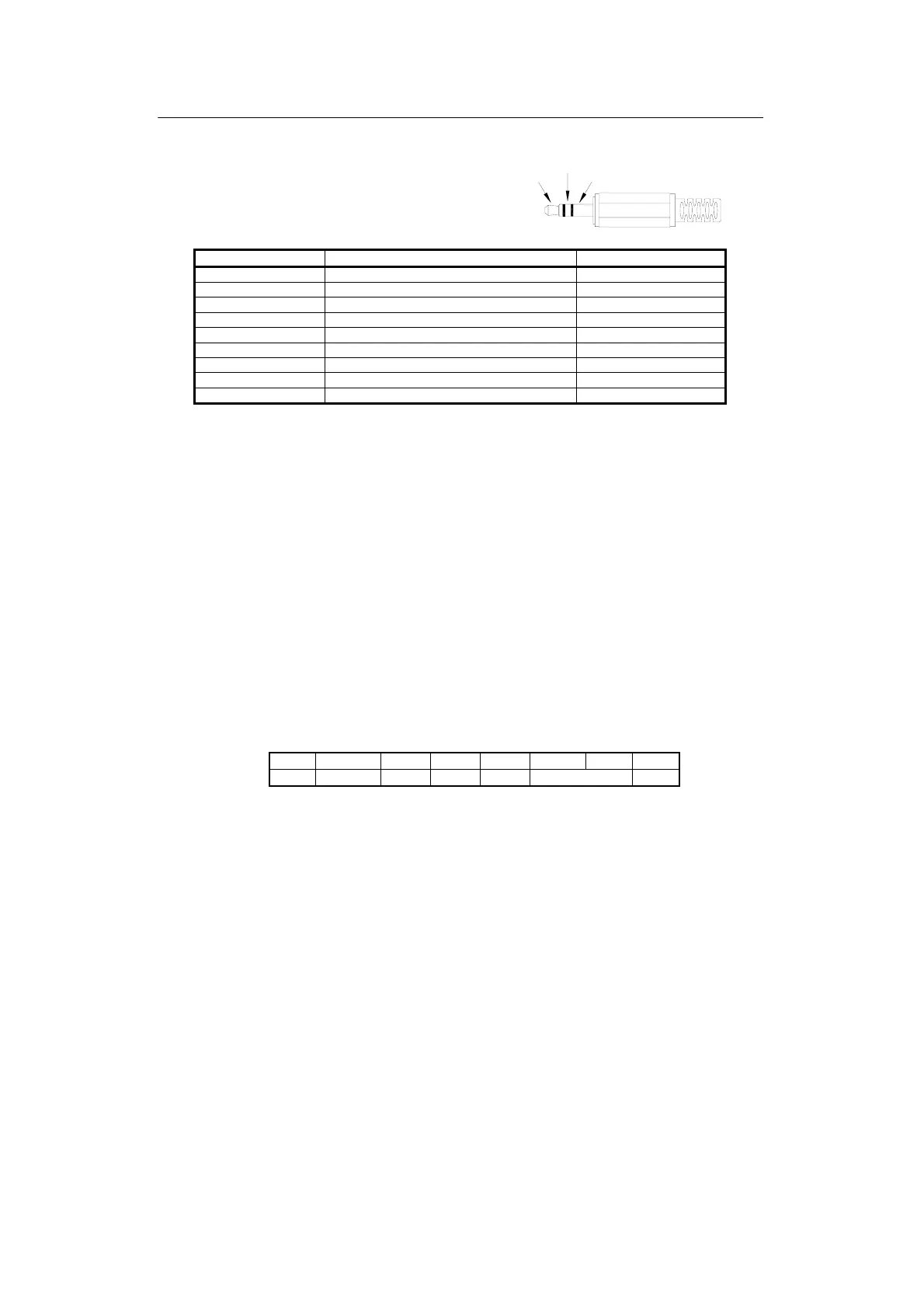
TX
RX
GND
4.13 Digital Output:
The Digital Output is a 9600bps N 81 serial interface.
The RX is a 5V normal high input port.
The TX is a 5V normal high output port.
The command of Digital Output is list below:
RS232 command Function Remarks
K(ASC 4BH) Ask for model No. Return 4 bytes
A(ASC 41H) Inquire all encoded data Return encoded 10 byte
H(ASC 48H) Hold button
M(ASC 4DH) MAX/MIN button
N(ASC 4EH) Exit MAX/MIN mode
T(ASC 52H) TIME button
C(ASC 43H) C/F button
U(ASC 55H) Dump all memory of thermometer return 32768 bytes
P(ASC 50H) Load recorded data
‧Command K:
Return 4 bytes. For example, when sending command "K" to the meter, it will return "3","0","6",
ASCII(13) .
‧Command U:
Return 32768 bytes .
‧Command P:
Instead of returning all 32768 bytes, it only return recorded data .
‧Command H:
Equivalent to one pushing on the HOLD button and no message is returned.
‧Command M:
Equivalent to one pushing on the MAX/MIN button and no message is returned.
‧Command N:
Equivalent to one pushing and hold the MAX/MIN button for two seconds to exit MAX/MIN mode.
‧Command T:
Equivalent to one pushing on the TIME button and no message is returned.
‧Command C:
Equivalent to one pushing on the °C/°F button and no message is returned.
‧Command A:
1
nd
BYTE:
The first byte is the start byte , it value is 2.
2
nd
BYTE:
bit7 bit6 bit5 bit4 bit3 bit2 bit1 bit0
C/F Low Bat Hold TIME MAX/MIN REC
bit 0: 1→recording mode, 0→not recording
bit 2 bit 1
0 0 →normal mode
0 1 →MAXIMUM mode
1 0 →MINIMUM mode
1 1 →calculate MAX/MIN in background mode .



 To Next Page