Data Logger Instruction Manual
7
V. Setup SE305 (Thermo DataLogger)
—
RS232 interface software:
y The SE305 package contains:
1.One setup CD.
2.Custom designed RS232 cable for SE305
y System Required:
Windows 98/ NT 4.0/ NT2000/ XP / VISTA.
y Minimum Hardware Required:
486-100 MHz PC compatible , 16 MB RAM ;
At least 5 MB hard disk space available to install SE305 program. Recommended display
resolution is 800X600.
y Install SE305:
1.We recommend close all other application before installing SE305.
2.Insert the SE305 CD-ROM into your CD drive. The SE305 installer should start automatically.
If it does not, you can start it by running SETUP.EXE from the root drive of the CD-ROM.
3.When installation is complete, it will copy SE305.exe(executable file) and help file to your hard
disk(default is c:\program files\ SE305)
4.For other operation instruction, please refer to the on-line help while executing SE305.
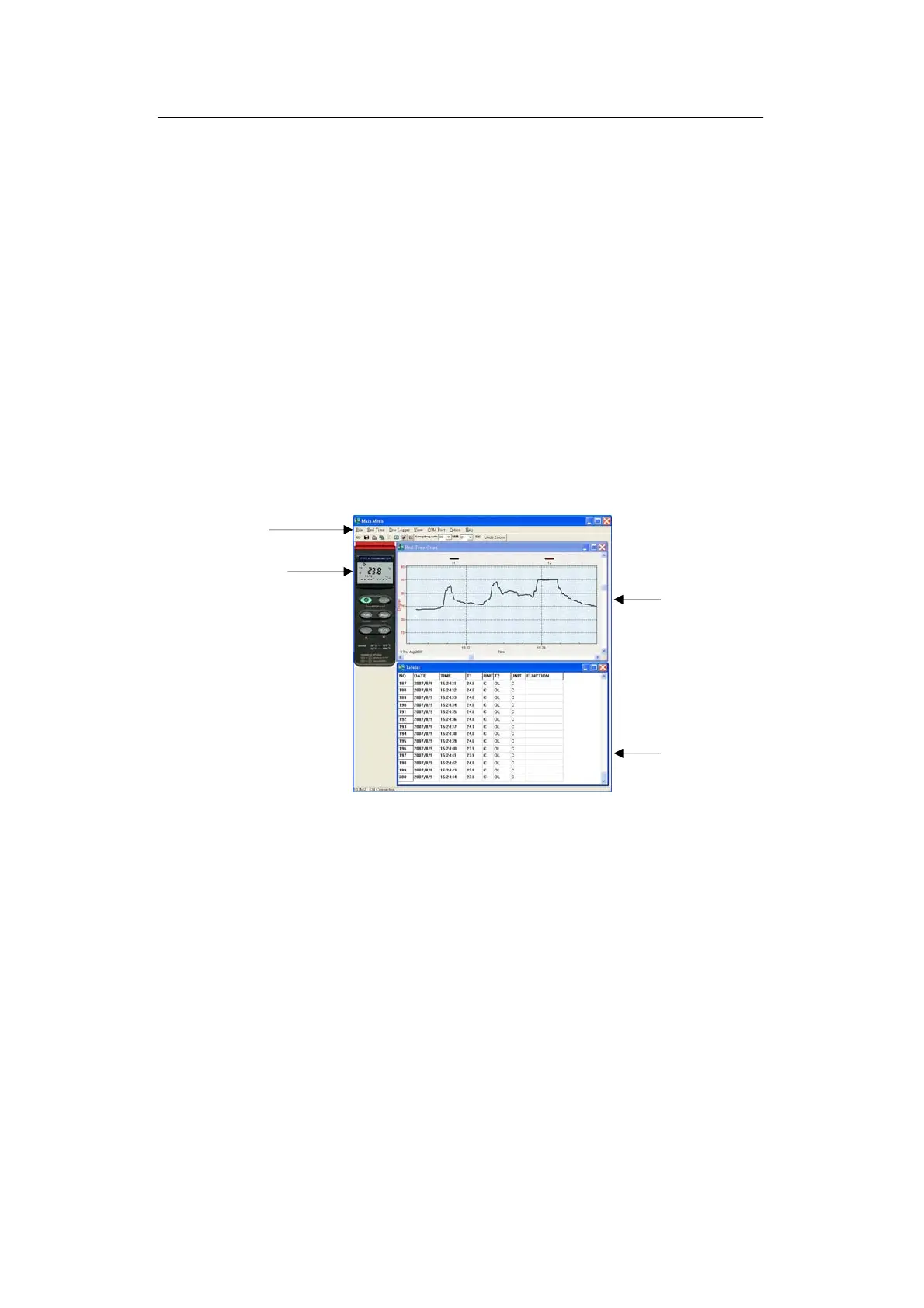
Main Menu
File | Open- Retrieve files from the disk.
Save - Save the active window (when the caption bar is highlighted) data to the disk.
Print - Print the data of the active window (graph or list).
Printer Setup - Select printer.
File | Exit: Terminates SE305 program.
Tabular
Graph
Main Menu
Panel simulator



 To Next Page