RTD THERMOMETER
5
4. Operation Instructions:
4.1 Power-Up
Press the ○
I
key to turn the thermometer ON or OFF
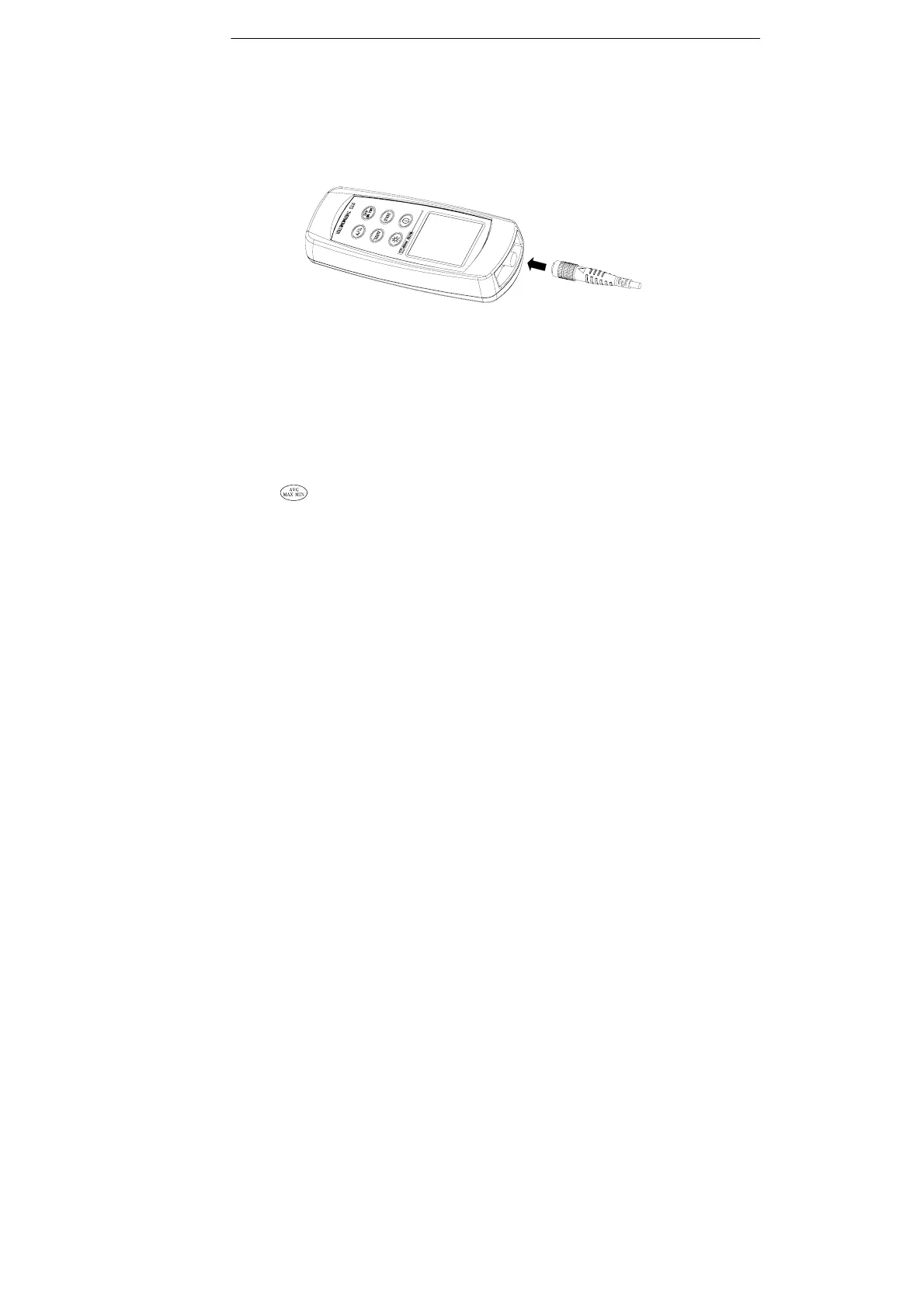
4.2 Connection the temperature probe
For measurement, plug the temperature probe into the input
connectors.
4.3 Selecting the Temperature Scale
When the meter was first power on, the default scale setting is set at
Celsius (°C) scale. The user may change it to Fahrenheit (°F) by
pressing “ °C/°F ” button and vice versa to Celsius.
4.4 Data-Hold Operation
The user may hold the present reading and keep it on the display by
pressing the “HOLD” button. When the hold data is no longer needed,
one may release the data-hold operation by pressing “HOLD” button
again.
When the meter is under Data Hold operation, the “ △ REL”,
and “ °C/°F ” button are disabled.
4.5 Back light Operation:
Press the “Back Light” button will turn back light on and Press it once
again will turn off.
The meter will turn back light off if there is no push “Back Light”
button for 10 seconds.



 To Next Page