DATALOGGER THERMOMETER
12
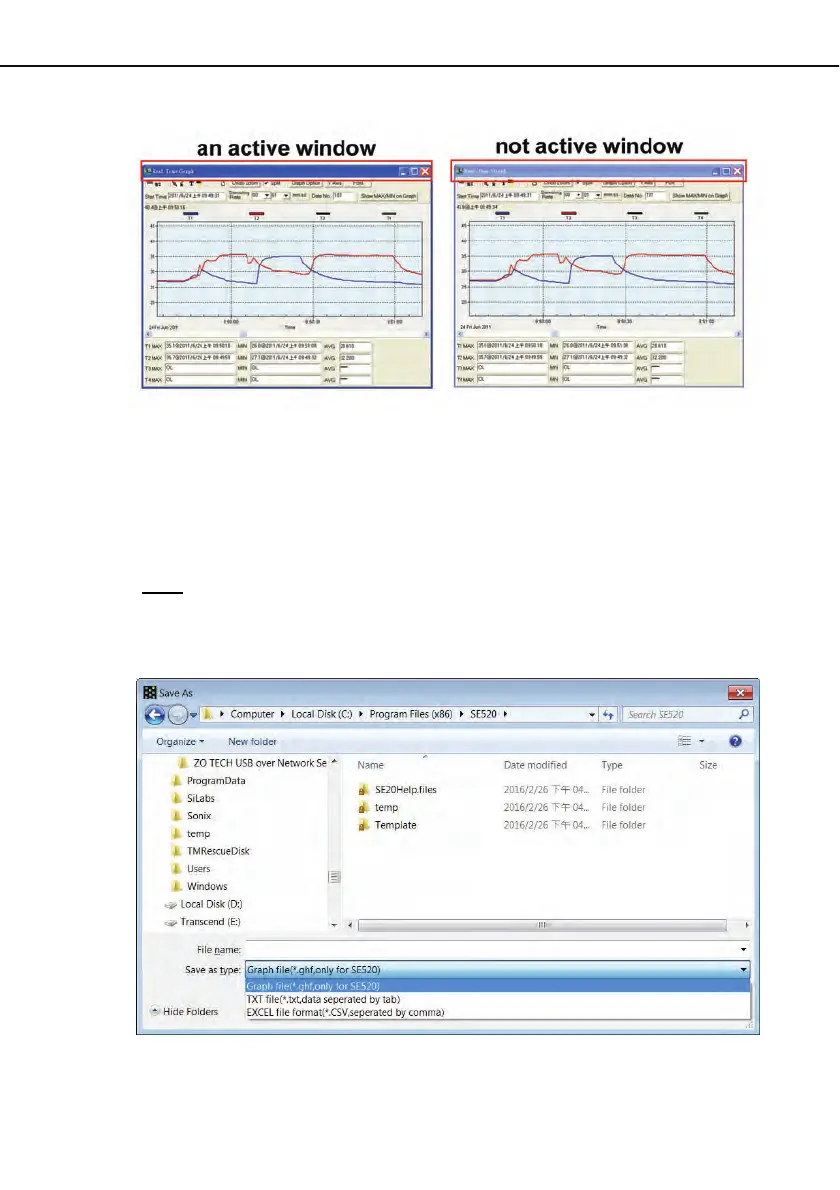
(2) There will be a save dialog window for you to choose the file name and file type to save.
There are three types of file format you can choose, binary file(*.ghf), text file(*.txt) and
EXCEL format file(*.csv). The *.ghf file use much fewer disk space to save the data than
the other two file formats, but it can only be used in SE520. Text file can be opened by
SE520 and any other word processor program like word, notepad etc. EXCEL format file
can be opened by SE520 and Microsoft EXCEL.
Note: If decimal separator is comma in your country, this file format will be disabled,
because .CSV file also use comma to be data separator. For example 78,6 will become 78
and 6 in EXCEL )



 To Next Page